Battery Use and Maintenance
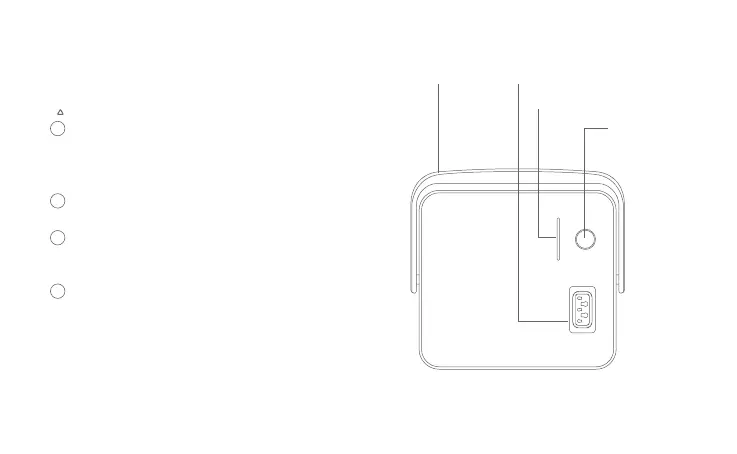
Battery Level Indicator
When the Indicator Button is pressed, the
Indicator will light up to show the percentage of
the battery. The indicator has 5 sections. Each
presents 20% of the battery level.
If the battery level is less than 20%, the Indicator
will flash 3 times.
When charging, the indicator will flash to show
the charging progress. They will stop flashing
when the battery is fully charged.
If all 5 sections flash, it means the battery has
fault. Please contact your dealer for consultation.
1
2
3
4
22
Handle Charging Port
Indicator
Indicator
Button



 To Next Page