12
DISABLING THE EMAIL FILTER: Please note that if you choose to disable
the @mynixplay lter, then any settings in the Approved Contacts list will
not apply and anyone will be able to email photos to your @mynixplay
address.
With the Email lter disabled, you can choose for ALL of your emailed
photos to be automatically sent to a specic slideshow.
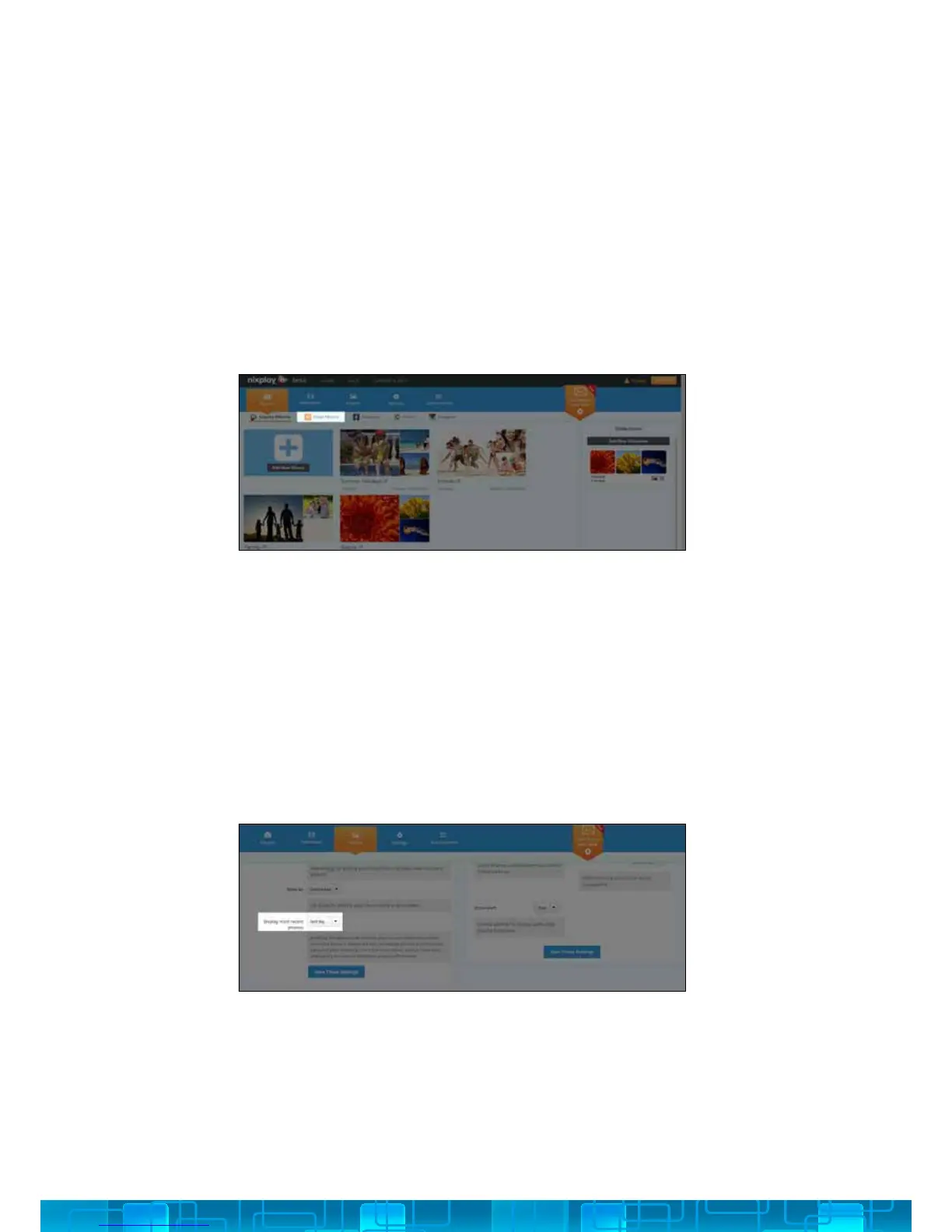
All of your Email Albums can be located under the Albums tab. To help
your photos stay organised each contact is assigned their own album.
1. Under the Frame tab, select the Frame you want to access.
2. Scroll down to the General Settings section to access the Most Recent
Feature options.
The “Most recent” feature allows for any photos that have been sent to
your slideshow to jump to the front of that slideshow when the Cloud
Frame is awakened.
You can choose for photos that have been added in the last day, 3 days
or the last week to display rst. Please remember to save your selection.
EMAIL ALBUMS
MOST RECENT FEATURE
3.2.iii
3.2.iv



 To Next Page