3
Welcome to the nixplay family and congratulations on receiving your nixplay Cloud Frame!
First let’s walk you through how to set up your Cloud Frame.
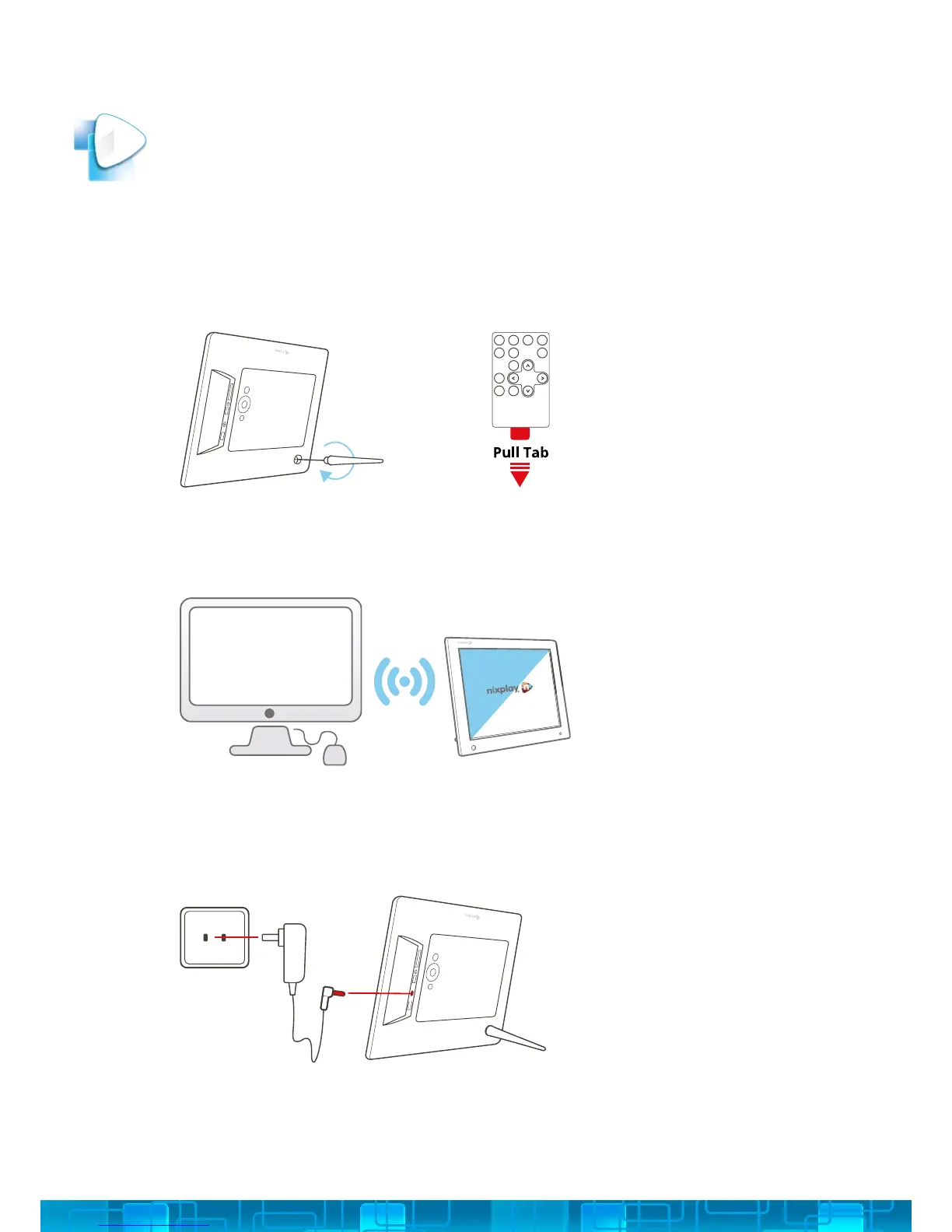
ASSEMBLE CLOUD FRAME: screw in the stand to the back of the Cloud Frame
and remove the plastic tab from your Remote.
PLACE YOUR CLOUD FRAME NEXT TO A COMPUTER
1.
2.
PLUG IN THE POWER ADAPTOR TO YOUR CLOUD FRAME: then plug your Cloud
Frame power cable into a power source.
3.
GETTING STARTED
2



 To Next Page