16
SETTINGS4.4
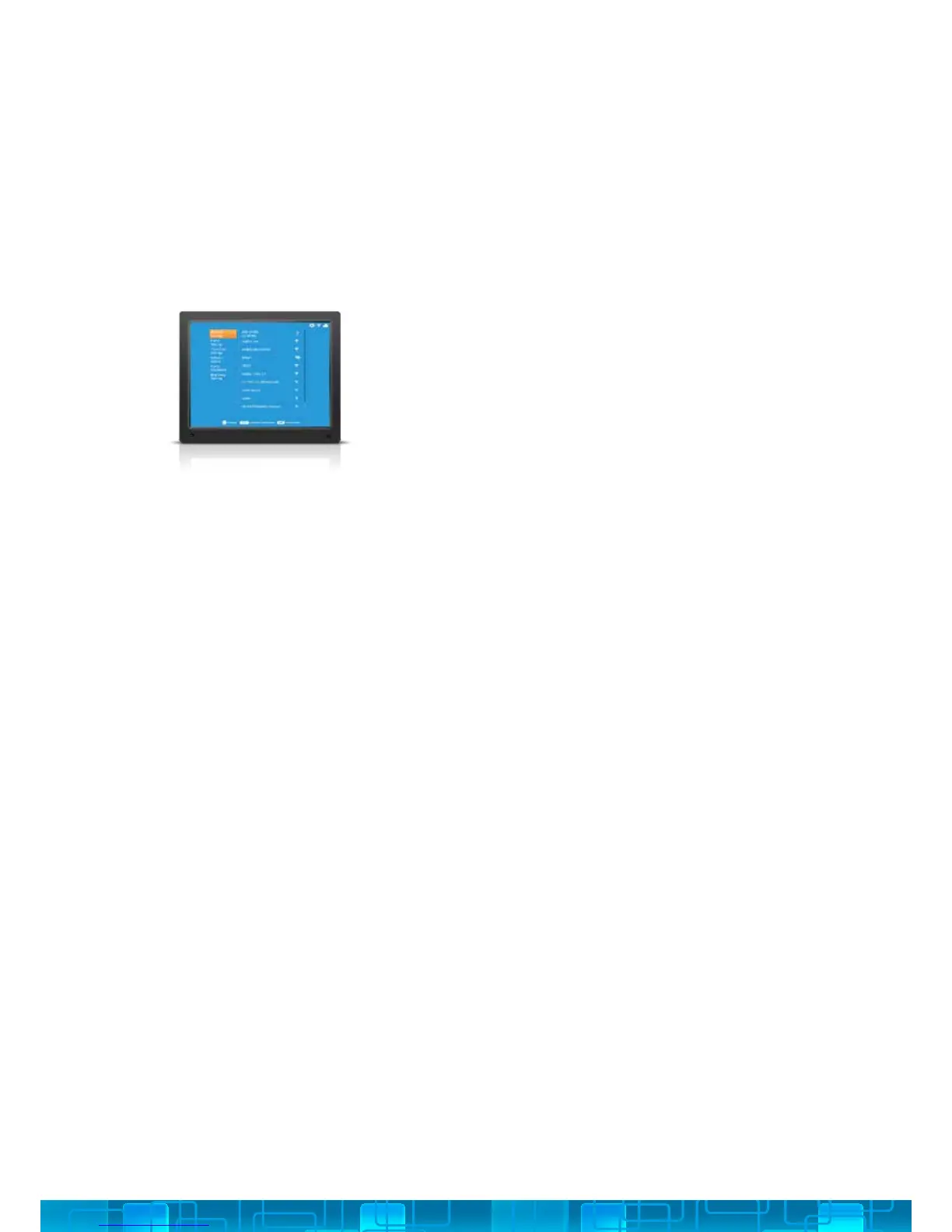
1. Use the UP/DOWN arrows on the Remote or the
4-Way Key on the back of the Cloud Frame.
2. Press OK to select your WiFi.
3. Enter your WiFi password (if required) and then
select the Connect button
You can change various settings on your nixplay Cloud Frame so that it suits your
needs better. To change your Cloud Frame settings, select Settings from the
Main Menu. When you enter the Settings menu, you will see a list of settings for
you to choose from:
NETWORK SETTINGS: TO CONNECT TO ANOTHER WIFI NETWORK
4.4.i



 To Next Page