13
You can pair up to 5 Frames with the free Standard Account that comes with
your Cloud Account, simply follow the instructions below:
PAIRING ANOTHER FRAME
3.3
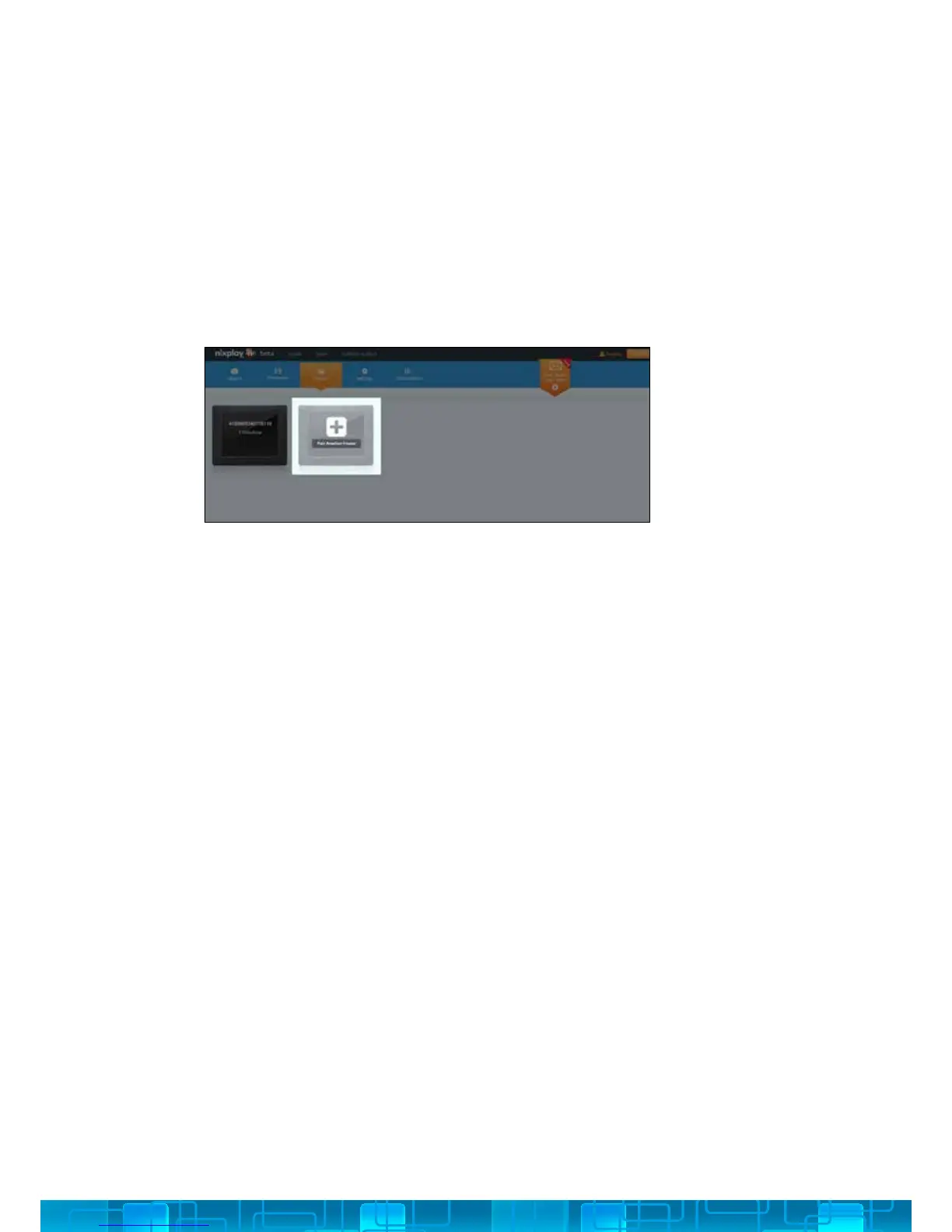
1. Under the Frames tab, select Pair Another Frame.
2. Enter the 16 Digit Serial Number that appears on the Cloud Frame, click Next.
3. Now enter the verication word that appears on your Cloud Frame, click Next.
4. Wait for the Cloud Frame and Cloud Account to pair, then click OK to complete
the pairing process.



 To Next Page