15
PLAYING YOUR SLIDESHOWS
BROWSING YOUR SLIDESHOWS
USB/SD CARD
4.1
4.2
4.3
nixplay CLOUD FRAME
4
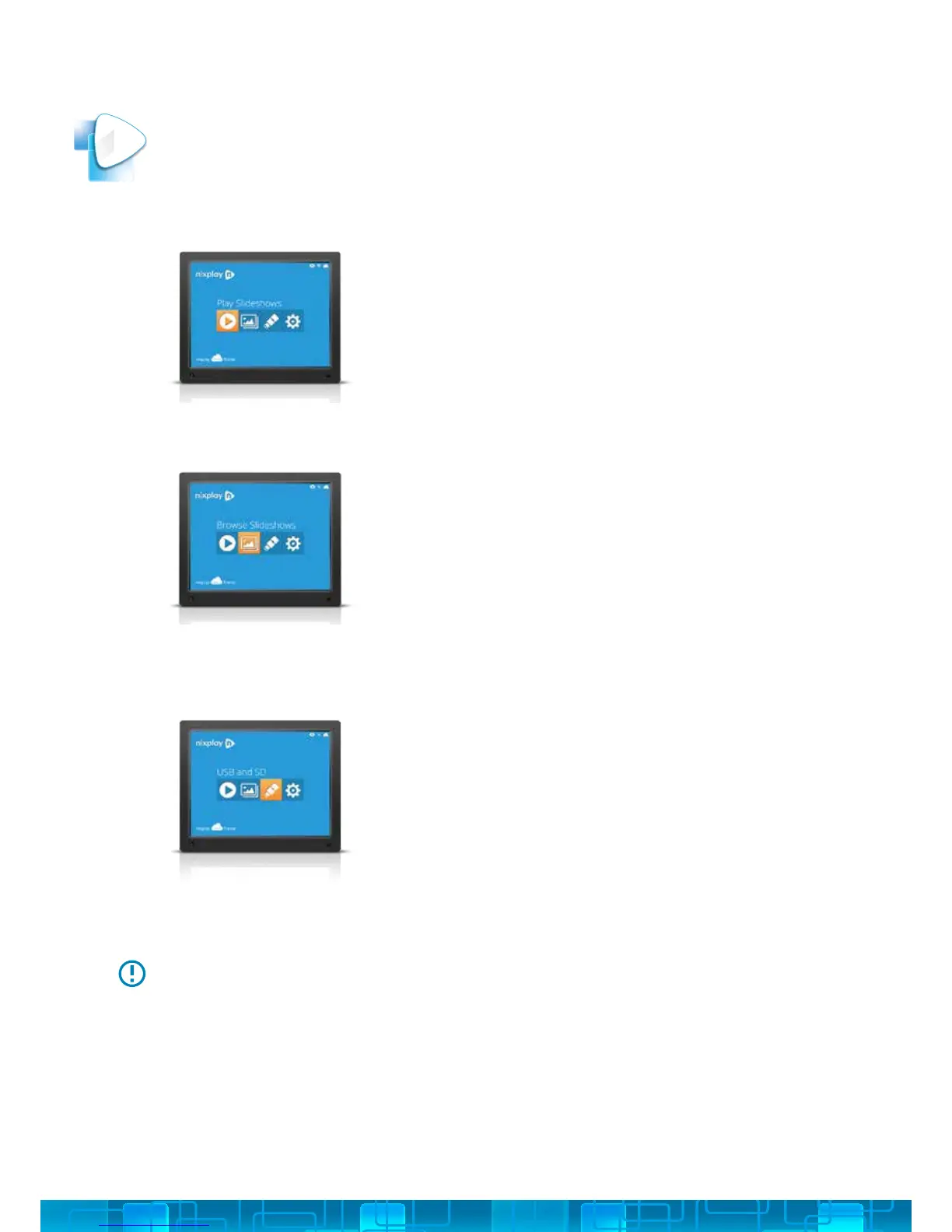
1. To play your slideshows, select Play Slideshows
from the Main Menu.
2. This will display all the photos from your
slideshows.
1. To browse your slideshows, select Browse
Slideshows from the Main Menu.
2. Under Browse Slideshows you will be shown a
list of all the slideshows you have created and
published with your nixplay Account.
3. Simply choose the slideshow you want to view
from the list of slideshows and
select OK.
1. To browse your memory card or USB drive, select
USB & SD Card Menu from the Main Menu.
2. Select the storage medium you connected to
your Cloud Frame. (SD Card/USB Media)
3. Once you have selected the storage medium,
choose the folder your photos are located in.
4. If there are too many photos or videos, you can
narrow the search by choosing Show Video or
Show Pictures.
If the Cloud Frame does not recognize your USB/SD card, please check whether
it is correctly plugged in. The Cloud Frame supports the following formats: File
(FAT/FAT32); Photos (JPG/JPEG); Videos (HD 720p H.264 AAC).



 To Next Page