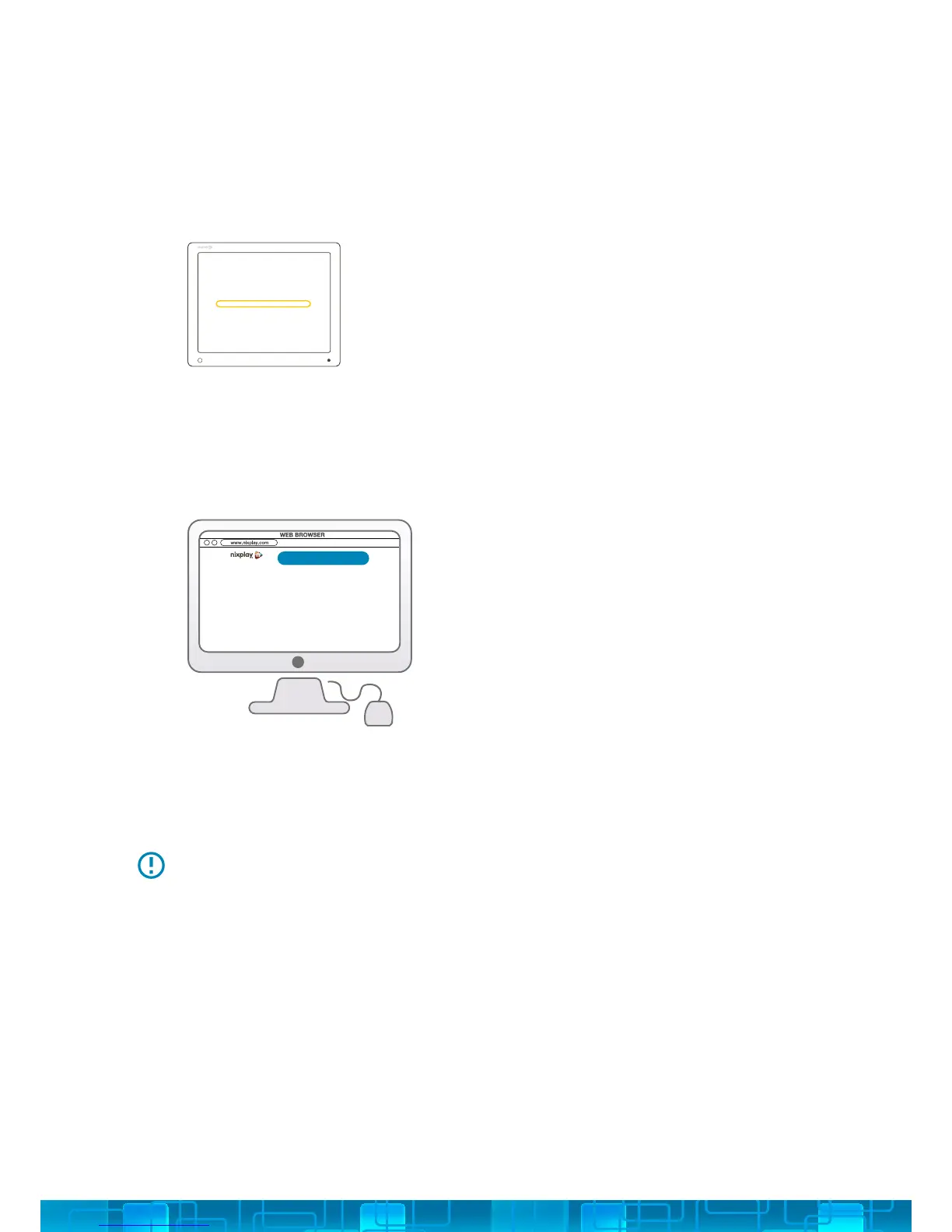
xxxx xxxx xxxx xxxx
ACTIVATE FRAME
16 DIGIT SERIAL NUMBER: Once your Cloud Frame is connected to WiFi and
updated with the latest software, it will display a 16 Digit Serial Number that
you will need to enter on the www.nixplay.com website in order to pair your
Cloud Frame with its own Cloud Account.
ON YOUR COMPUTER: Please visit www.nixplay.com. Click the Activate Frame
button on the website and follow the on-screen instructions to pair your Cloud
Frame.
7.
8.
If the Cloud Frame fails to connect or displays error messages during the pairing
process, please follow on-screen instructions and/or restart your Cloud Frame.
Once you have successfully paired your Cloud Frame with your nixplay Account you can
now begin uploading your photos!
5



 To Next Page