10
Battery
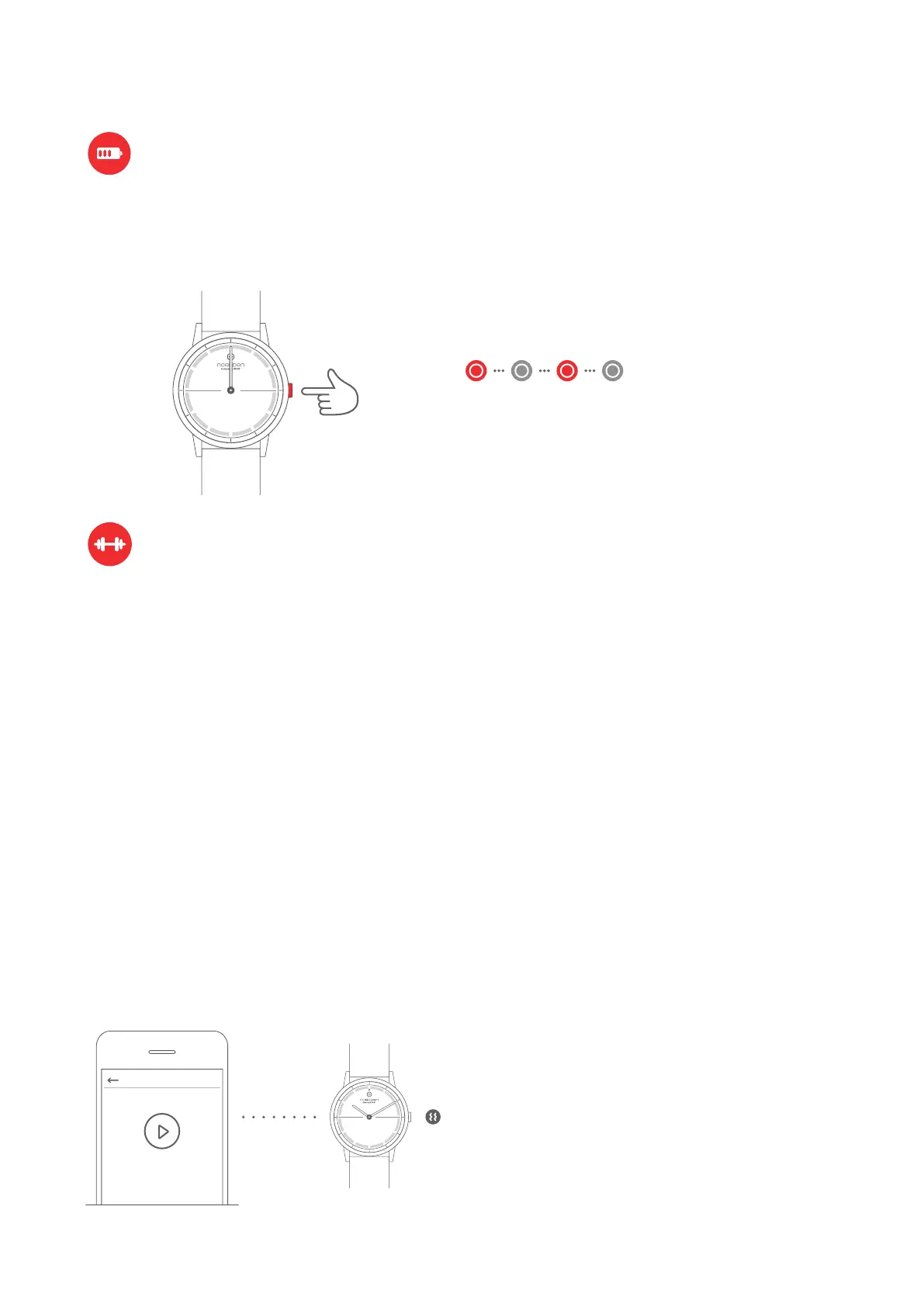
Press once
HIIT Workout & Multi-sport Functions
HIIT & Yoga
NOTE:
- Your watch must be connected via Bluetooth.
- Please make sure to keep your phone within a
10 meters distance from your watch for vibrations
to work.
- Please make sure to keep your phone with you
for activities with GPS tracking otherwise you can’t
get your route map in the end.
HIIT Workout & Multi-sport Functions
You can check the battery level of your watch in the 'Device' menu of the NOERDEN App.
When your watch's battery is low, if you press your watch button, the indicator light will flash
in red for 5 seconds and all smart functions will be turned off.
The indicator light flashes
red for 5 seconds
Go to the Training page in the NOERDEN App and select the activity of your choice
(running, cycling, HIIT, yoga…).
After your session is complete, you will be able to consult your activity detailed data
(distance, duration, calories…)
For HIIT or Yoga workouts, you can pick between different pre-set programs, exercises,
intensity levels and durations.
You can also personalize your own session by using the customize option where you can
set your preferred exercise/rest intervals/repetitions.
- Once you’re all set, click the "Start" button on the App. Your watch will vibrate 5 times and
the training session will begin.
- Your watch will vibrate 3 times when each time interval finishes, to indicate a change in
exercises or rest time.
- It will vibrate 5 times when your training session is complete.
Multi-sports
For sports such as running or cycling, simply follow the instructions in the App.
At the end of your training, you will be able to consult the route covered on a map in addition
to your detailed activity data



 To Next Page