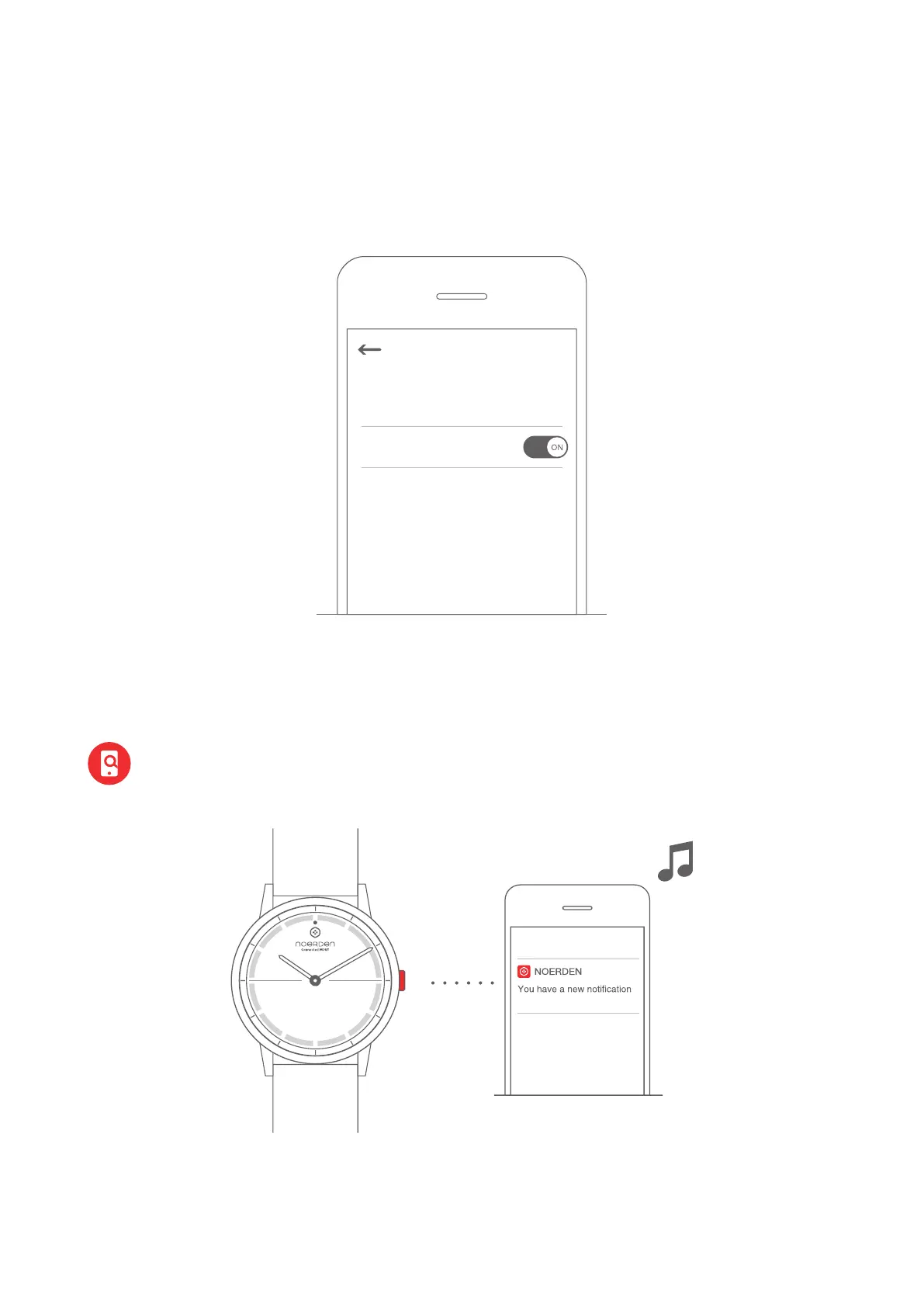
Find My Phone
Double press the button and your phone will ring.
Note: Your watch must be connected to your phone via Bluetooth.
If your phone is on Silent Mode, it will only vibrate.
Searching for mobile phone...
Disable Bluetooth Mode
The watch automatically starts Disable Bluetooth Mode when the bluetooth is disconnected
for more than 2 hours, meaning Bluetooth is off.
You can also manually enable the Disable Bluetooth Mode in the App.
Note: When you press the button once to check the Bluetooth status, Bluetooth
will automatically switch on and your watch will reconnect to your phone if it was
in Disable Bluetooth Mode.
Settings
Disable Bluetooth Mode
6



 To Next Page