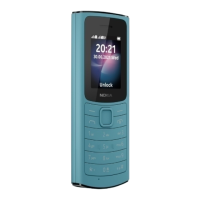
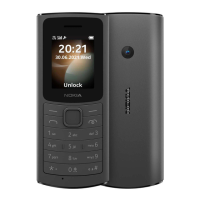
Nokia 220 4G User Guide
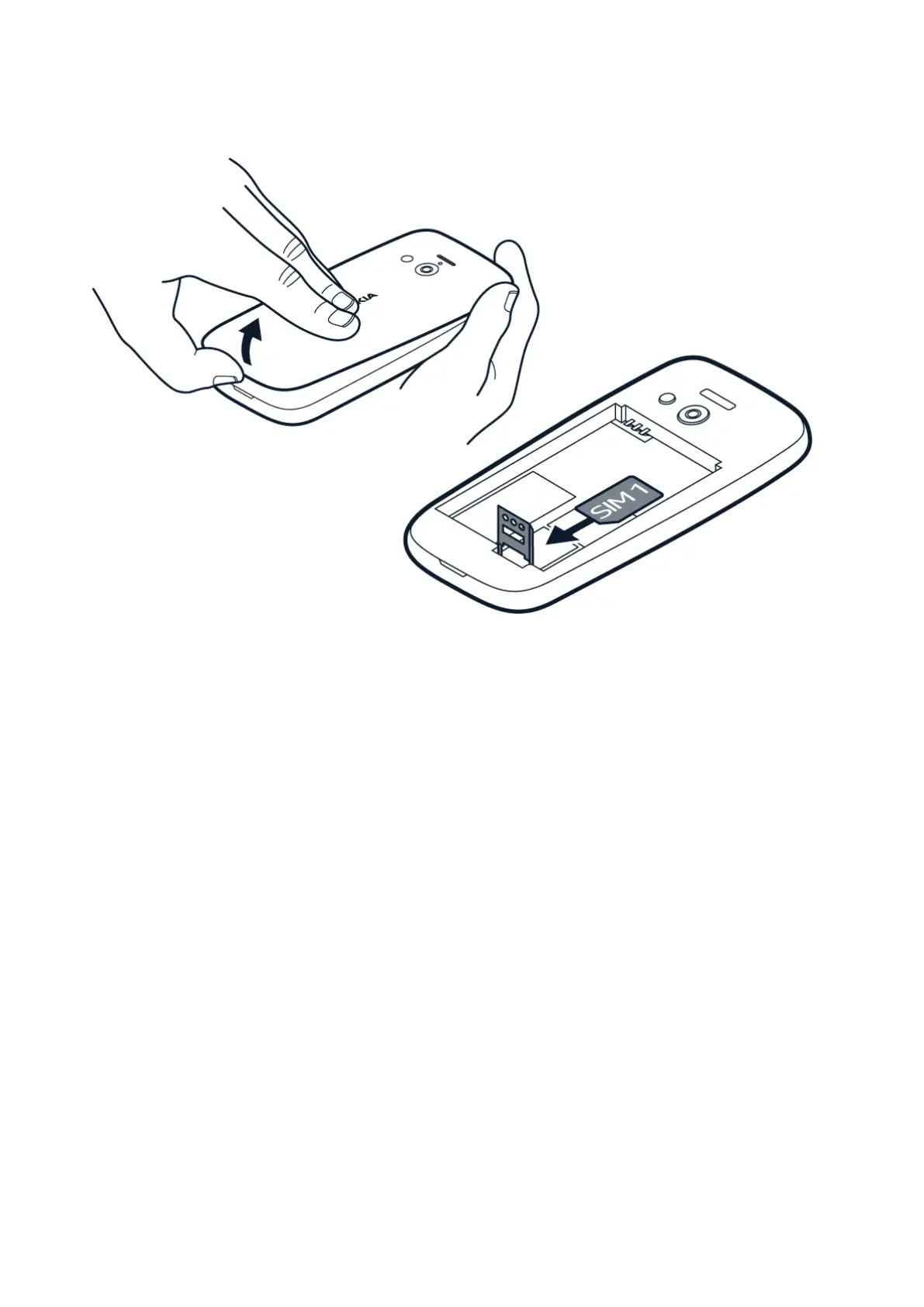
Insert the SIM card
1. Place your fingernail in the small slot at the
bottom of the phone, then lift and remove
the cover.
2. If the battery is in the phone, take it out.
3. Slide the SIM card holder down and open it.
Place the nano SIM card under the holder
with the contact area face down, close
the holder and slide it upwards to lock it
in place.
4. Put the battery back in.
5. Replace the back cover.
© 2020 HMD Global Oy. All rights reserved. 7


 To Next Page