Getting started
5
If the phone requests a security
code
• Key in the security code, which is
displayed as asterisks Q, and
press
OK
.
See also ‘General Information’ -
‘Security Code’.
WARNING!
Do not
switch on the phone
when wireless phone use
is prohibited or when it
may cause interference
or danger.
NOTE:
Your phone
has a built-
in antenna.
As with any
other radio-transmitting
device, do not touch the
antenna unnecessarily
when the phone is
switched on. Contact
with the antenna affects
call quality and may
cause the phone to
operate at a higher
power level than
otherwise needed.
Not touching the
antenna area during a
phone call optimizes
the antenna
performance and the
talktime of your phone.
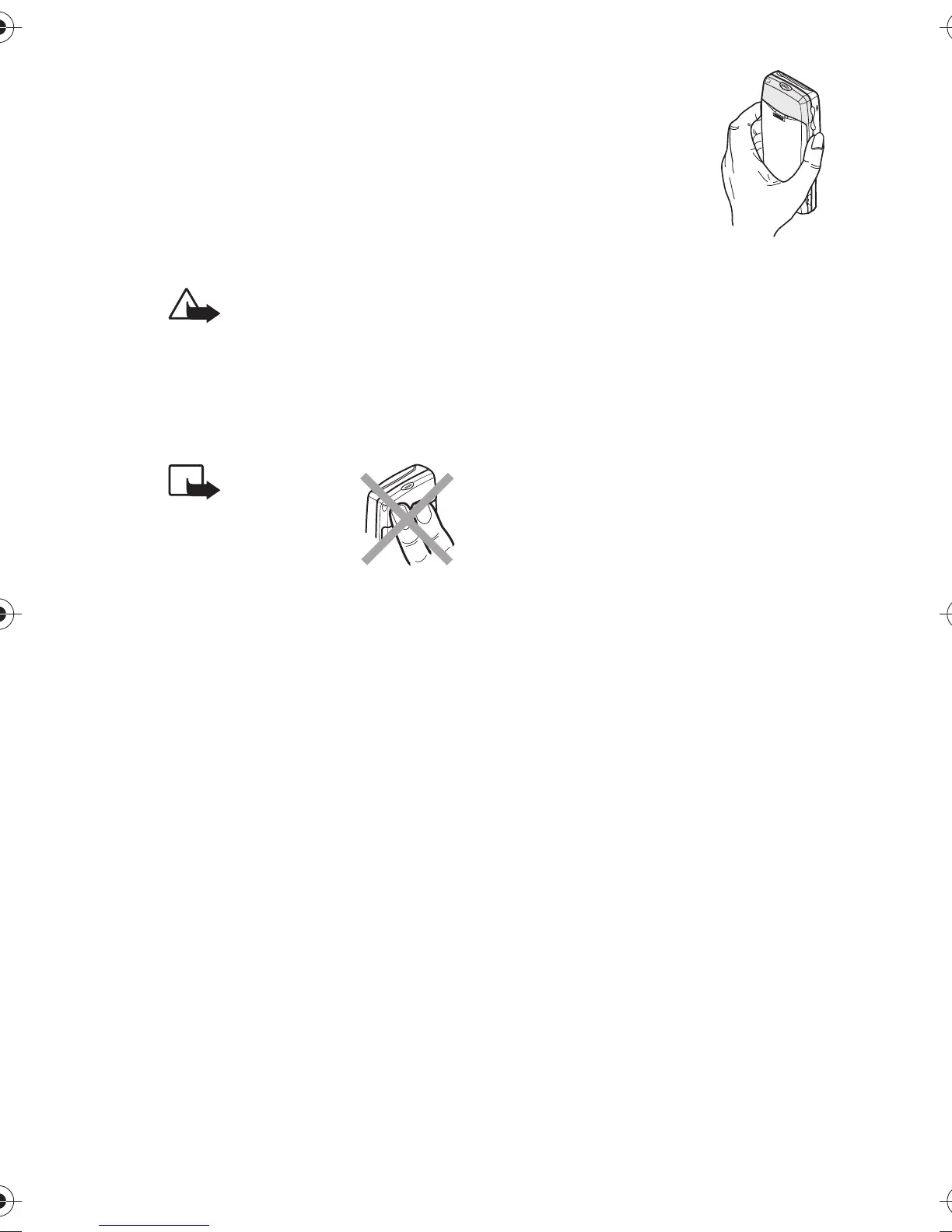
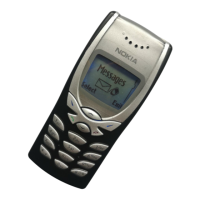
Normal position:
Hold
the phone as you would any other
telephone.


 To Next Page