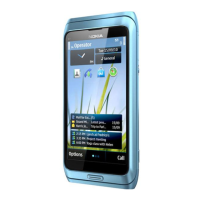
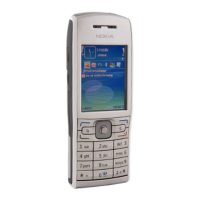
Nokia E72 RM-529 / RM-530
Service Manual Level 1&2
13
Confidential
Copyright © 2009 NOKIA
All rights reserved
Version 1.0
ISSUE 1
7) Finally release the clip on the bottom side of the
device by sliding the SRT-6 along the edge. Then
separate the A-COVER ASSEMBLY by first lifting the
bottom side up and then pulling it towards the
keymat.
8) Separate the A-COVER and the KEYMAT.
9) Carefully loosen the adhesive between the A-
COVER and the OPERATOR COVER ASSEMBLY and
separate them. Do not use the OPERATOR COVER
ASSEMBLY again. Discard it
10) Protect both sides of the A-COVER window with
protective film.
11) Protect the LCD with protective film. 12) Open the LCD connector with the SS-93. Be
careful not to damage the connector or the
components nearby!



 To Next Page