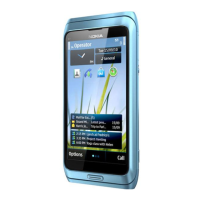
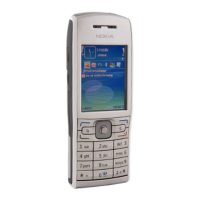
Nokia E72 RM-529 / RM-530
Service Manual Level 1&2
14
Confidential
Copyright © 2009 NOKIA
All rights reserved
Version 1.0
ISSUE 1
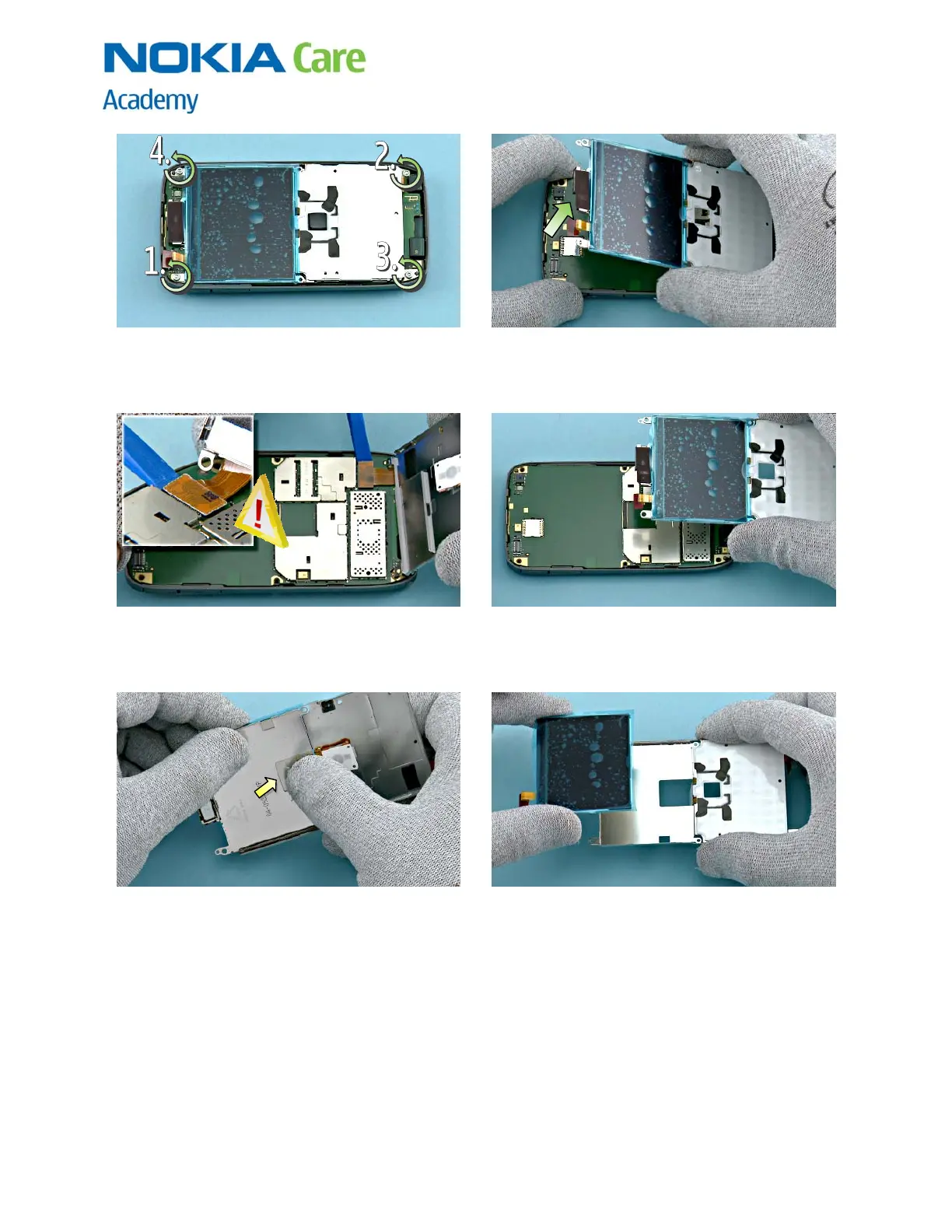
13) Unscrew the four TORX + size 6 screws in the
order shown. Note that these screws can be reused.
Do not discard them!
14) Lift up the UI SHIELD ASSY together with the LCD
as shown.
15) Open the UI FLEX connector with the SS-93. Be
careful not to damage the connector or nearby
components!
16) Remove the UI SHIELD ASSY with LCD.
17) Carefully press with fingers through the UI
SHIELD ASSY opening so that the LCD releases.
18) Remove the LCD.



 To Next Page