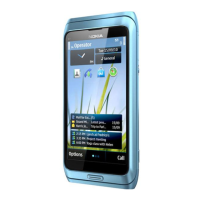
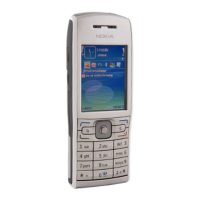
Nokia E72 RM-529 / RM-530
Service Manual Level 1&2
16
Confidential
Copyright © 2009 NOKIA
All rights reserved
Version 1.0
ISSUE 1
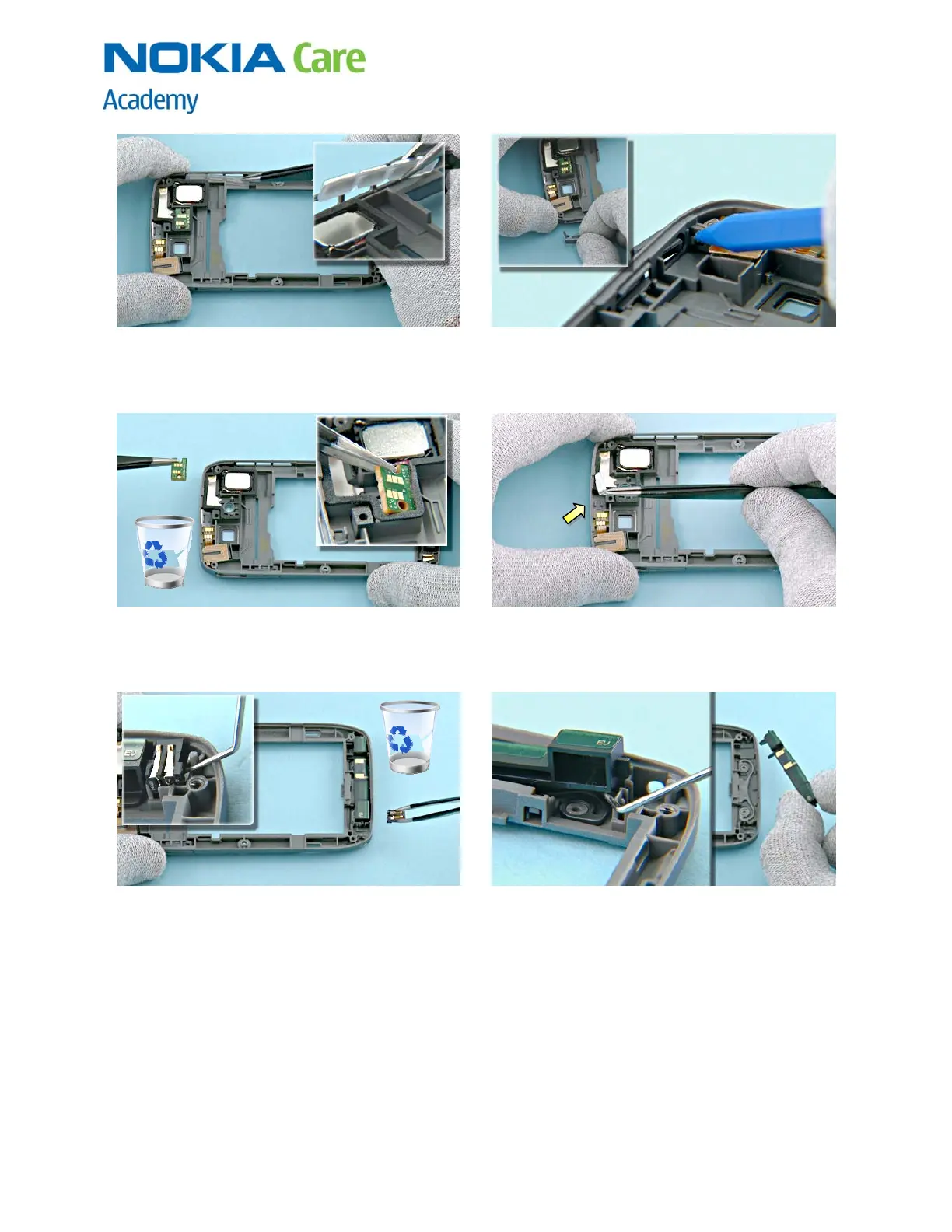
25) Remove the SIDE KEYS with tweezers. 26) Push the USB DOOR holder through the small
hole and remove the USB DOOR.
27) Remove the FLASH LED ASSEMBLY with tweezers.
Do not use it again. Discard it.
28) Remove the POWER KEY with tweezers.
29) Lever out the DC JACK with the dental tool and
remove it with tweezers. Discard it.
30) Lift up the ANTENNA ASSEMBLY with the dental
tool and remove it.



 To Next Page