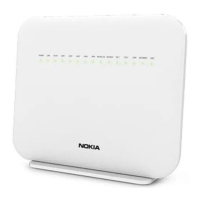
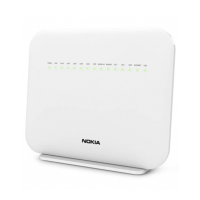
Nokia HA-140W-B admin manual
4
UPnP router configuration (admin account)
To configure your router via UPnP LAN, log into your router (page 2). Go to Application > UPNP and DLNA.
Tick Enable UPnP/DLNA. Click Save/Apply (see image 3). UPnP can be used for easier and more
convenient router configuration from an LAN client app. PortMapper Windows application is one example
of such an app. If no UPnP application is used, UPnP should be unticked. The default UPnP setting is
unticked. Please bear in mind that after a router reboot or factory reset, any changes made via UPnP will
be removed from router configuration.
Image 3. Enabling UPnP


 To Next Page
 Loading...