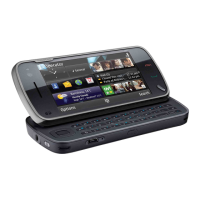
Change the language when using the keyboard
Select
> Input options > Writing language.
Change the language when using the keypad
Select
> Writing language.
Display indicators
General indicators
The touch screen and keys are locked.
The device alerts silently for incoming calls or messages.
You have set a clock alarm.
A timed profile is activated.
You have a missed calendar event.
Call indicators
Someone has tried to call you.
You are using your second phone line (network service).
You have set your device to divert incoming calls to another number
(network service). If you have two phone lines, a number indicates
the active line.
Your device is ready for an internet call.
You have an ongoing data call (network service).
Messaging indicators
You have unread messages. If the indicator is blinking, the SIM card
memory for messages may be full.
You have received new mail.
You have messages waiting to be sent in the Outbox folder.
Network indicators
Your device is connected to a GSM network (network service).
Basic use 29



 To Next Page