Personalize your device
90
Personalize your device
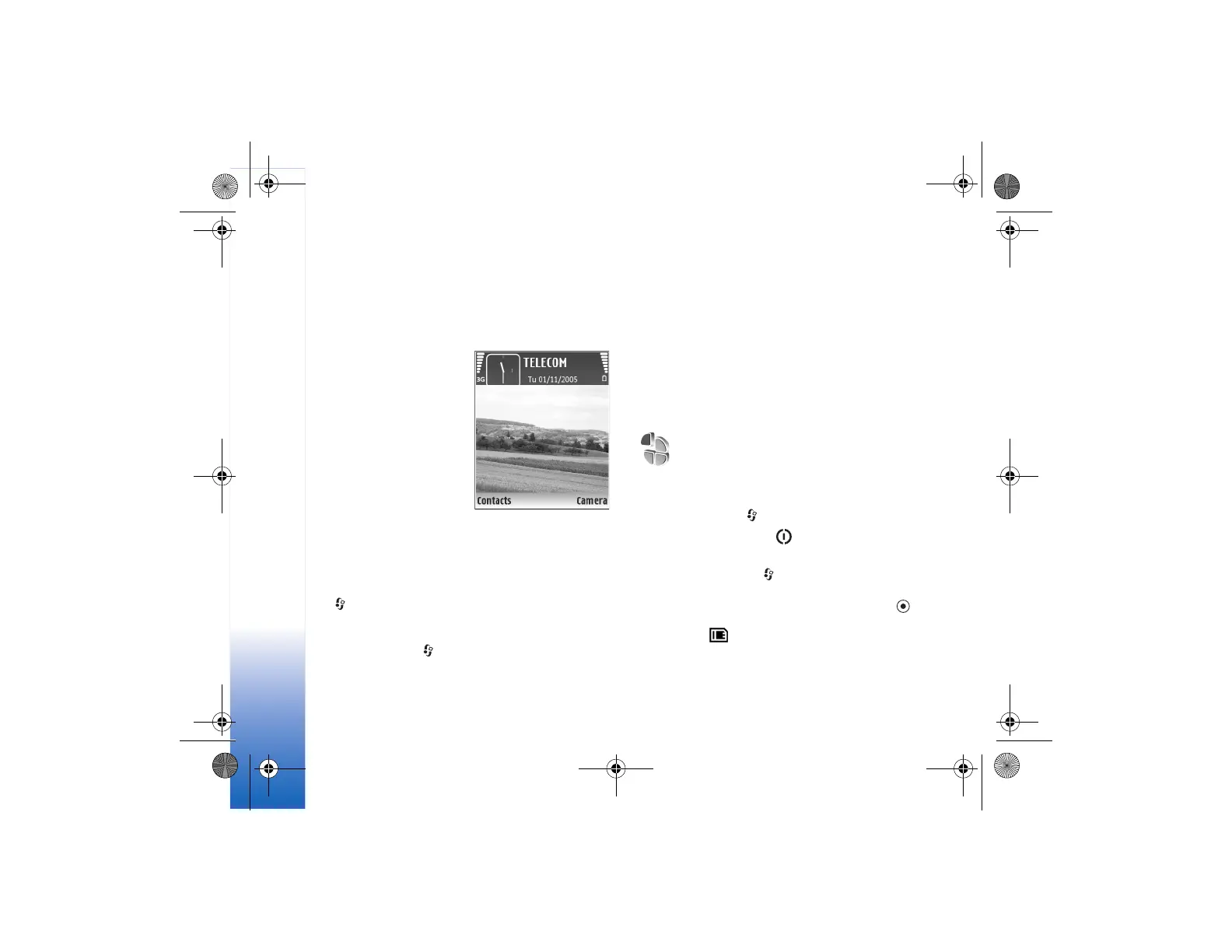
• To use the standby display for fast access to your most
frequently used applications, see “Active standby
mode”, p. 92.
• To change the standby
mode background image
or what is shown in the
screen saver, see “Change
the look of your device”,
p. 91.
• To customize the ringing
tones, see “Profiles—set
tones”, p. 90 and “Add
ringing tones for
contacts”, p. 58.
• To change the shortcuts
assigned for the different presses of the scroll key and
left and right selection keys in the standby mode,
see “Standby mode”, p. 94.
• To change the clock shown in the standby mode, press
, and select Clock > Options > Settings > Clock
type > Analogue or Digital.
• To change the welcome note to an image or
animation, press , and select Tools > Settings >
Phone > General > Welcome note / logo.
•To change the main menu view, in the main menu,
select Options > Change view > Grid or List.
• To rearrange the main menu, in the main menu,
select Options > Move, Move to folder, or New
folder. You can move less used applications into
folders, and place applications that you use more often
into the main menu.
Profiles—set tones
To set and customize the ringing tones, message alert
tones, and other tones for different events, environments,
or caller groups, press , and select Tools > Profiles.
To change the profile, press in the standby mode.
Scroll to the profile you want to activate, and select OK.
To modify a profile, press , and select Tools > Profiles.
Scroll to the profile, and select Options > Personalise.
Scroll to the setting you want to change, and press to
open the choices. Tones stored on the memory card are
indicated with . You can scroll through the tone list
and listen to each one before you make your selection.
To stop the sound, press any key.
9244700_N80-1_en_zh.book Page 90 Thursday, March 23, 2006 2:34 PM





 To Next Page