FOV
Copyright © Nooploop LTd 2023. All Rights Reserved.
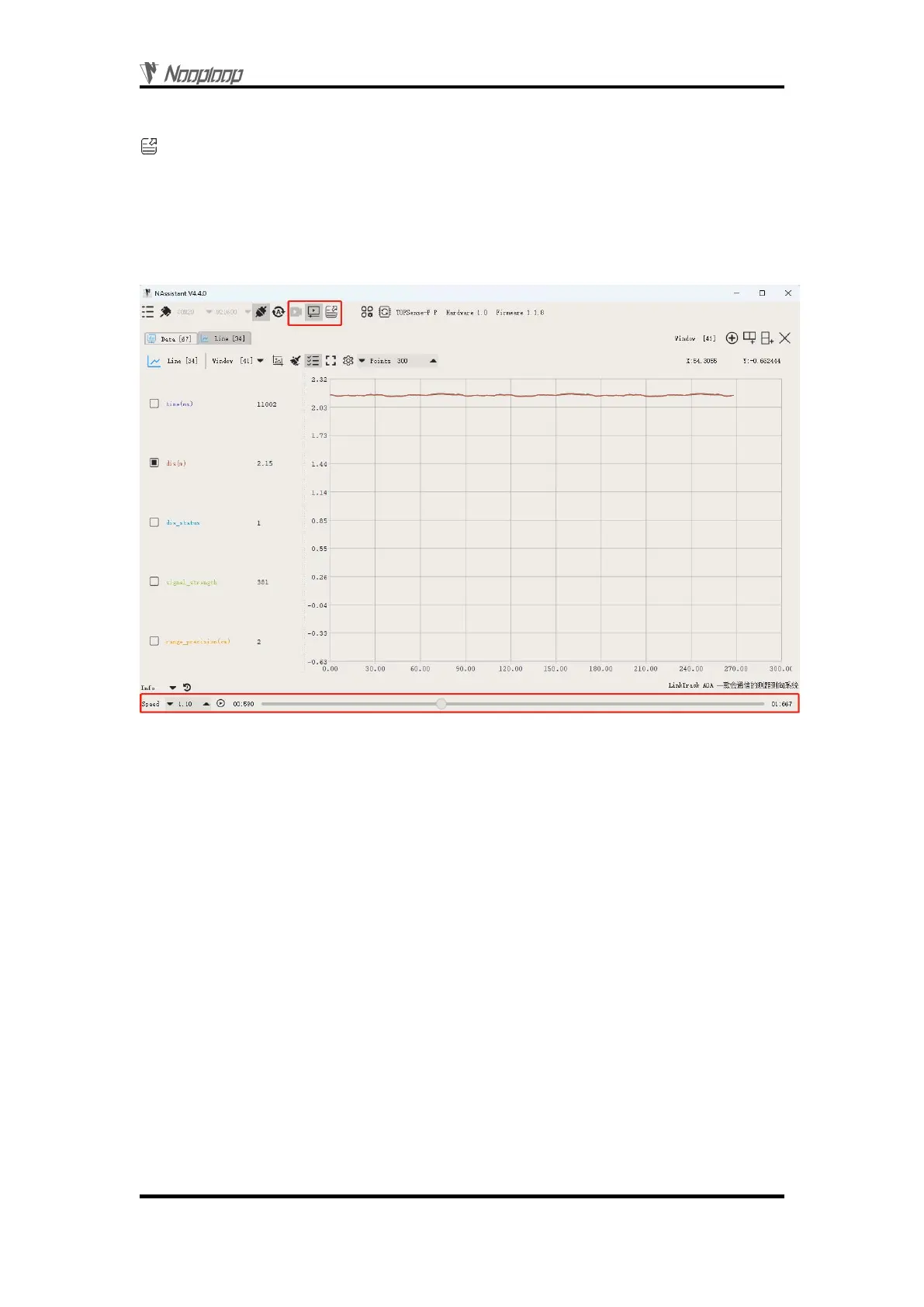
Both real-time and playback modes can export text data to a local .xlsx file by clicking the button
. Click the button again to stop exporting and automatically open the folder where the file is located.
The exported data is the data received or played back by the NAssistant software during the time
between the two clicks of the export button.
Note: If the folder is not automatically opened, find the corresponding folder according to the log
prompt in the lower left corner of the software's main page, or click the menu button, click "Open Data
Folder", and look for it in the "export_data" folder.
Figure 6: Data recording playback and export
6
FOV
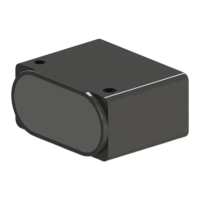
The field of view parameter represents the angle covered by the module's emitted ranging
light. The initial field of view parameter for the module is 1~2 degrees.
7
Protocol Unpack
7.1 Introduction
This chapter's protocol analysis examples are based on the NLink protocol, and you can also
download the NlinkUnpack sample analysis code developed in C language from the official website,
which can effectively reduce the user's development cycle.
Based on the data situation of TOFSense-F series products, in order to represent more data with
fewer bytes, we use integers to represent floating-point numbers and transmit them through protocol
frames. Therefore, when unpacking, the actual data with the multiplier is actually a floating-point
number and needs to be divided by the multiplier indicated in the protocol.
In particular, for int24 type, we need to first convert it to int32 type. To maintain the sign, we use


 To Next Page