4
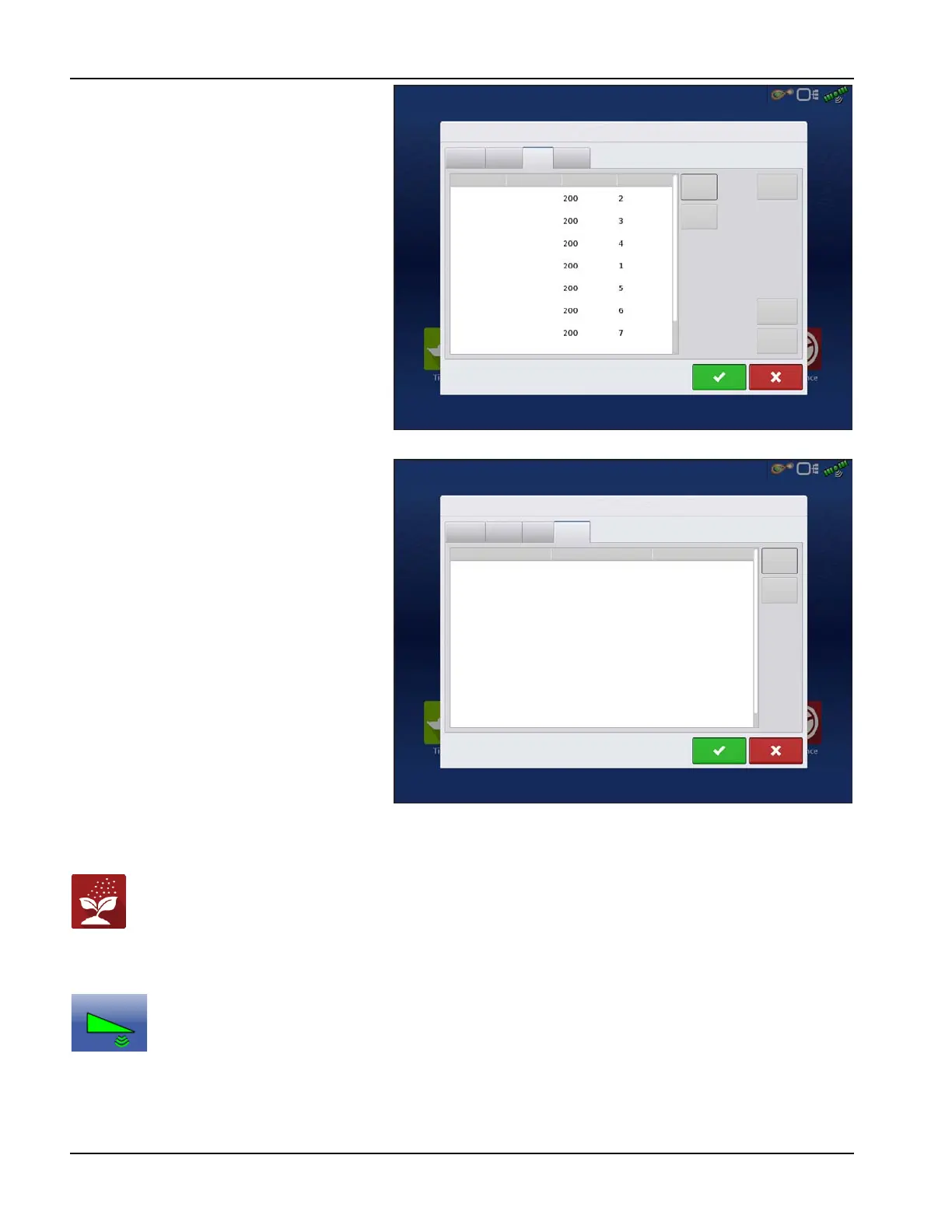
Valve Tab—List of each valve, type, serial
number, and output. Add or Remove a valve, test
valve, adjust gain and deadzone.
Switch Tab—List of switches, functions, serial
numbers, and input. Add or Remove a switch.
Load Configuration
Press the Application button from the home screen. This will take you through the steps needed to load a
configuration.
Engage button
If the NORAC UC5 Boom Height Control is included in your Operating Configuration, then the NORAC
Engage button appears on the display’s Task Bar. The Engage button enables boom height control. This
button is green when the NORAC UC5 system is engaged; and grey when disengaged. Press on this button
to engage and disengage the NORAC UC5 Boom Height Control.
This button can be used to toggle back and forth between Automatic Mode and Manual Mode.
• When you enable Automatic Mode, this button turns green and the display beeps three times.
Norac UC5 Setup
General
Sensor
Valve
Switch
Left Up
Type
Serial
Output
Add
Remove
Valve
Gain
Deadzone
Test
Valve
Left Down
Right Up
Bypass
Right Down
Main Up
Main Down
Valve
Valve
Valve
Valve
Valve
Valve
Valve
Norac UC5 Setup
General
Sensor
Valve
Switch
Function
Serial
Input
Add
Remove
Left Up
Left Down
Right Up
Right Down
Main Up
Main Down



 To Next Page