48
3. Navigateto:RunScreen‐>Settings‐>Next‐>Setup‐>Valves.
4. Selecttheboomfunction.PresstheGainbutton.
5. Pressandholdtheautomatic(A)button.
6. Holduntiltheboomstopsmovingandthereadingstabilizes.
7. Continuetoholdituntilthedisplaysays
“TestComplete”.
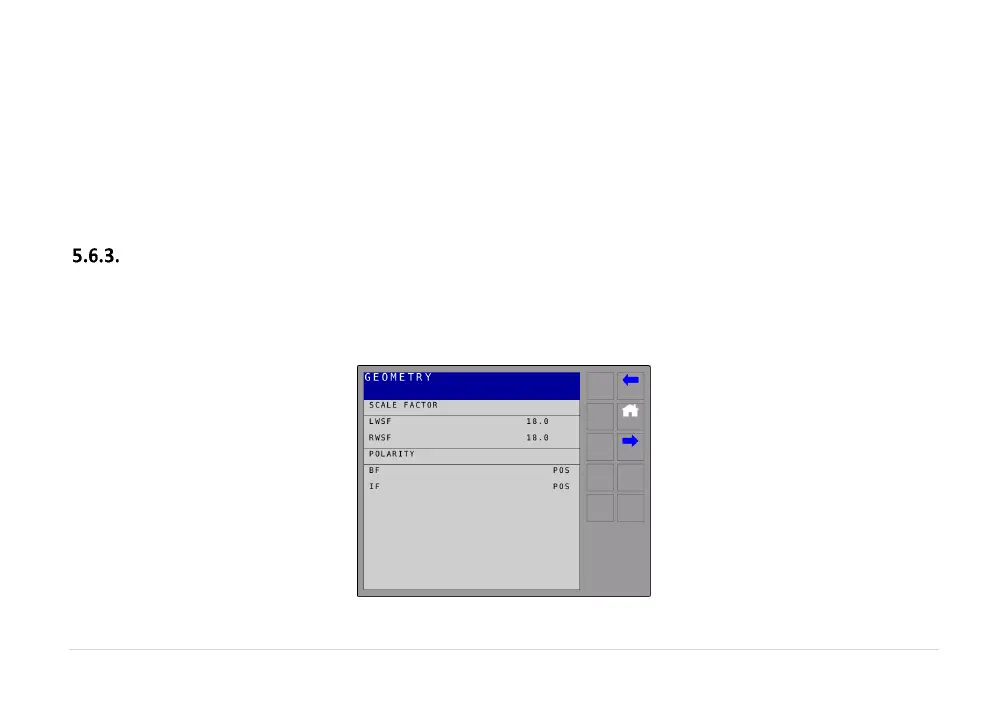
BoomGeometry
NavigatetotheBoomMovementsscreenin thediagnosticmenu (RunScreen‐>Settings‐>Next‐>
Diagnostics‐>BoomMovements).
LWSFandRWSFshouldbeclosetothesamevalue.



 To Next Page