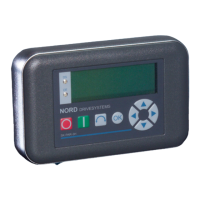
2 Parameter Boxes – Display and control
BU 0040 GB-1611 Subject to technical alterations 23
Menu structure with the SimpleBox
P0--
_ _ _ _
P1--
P2--
P4--
P5--
P6--
P7--
P001
P002
P100
P101
P114
P200
P201
P220
P400
P401
P483
Operating value display
(or operational)
fo llowing mains ON
P
--
P300
P301
P327
P003
To change a parameter value, the ENTER key
OK
must be pressed when the relevant parameter number is
displayed.
Changes can then be made using the VALUE keys or and must be confirmed with to save them and leave
the parameter.
As long as a changed value has not been confirmed by pressing ENTER, the value display will flash; this value has
not yet been stored in the frequency inverter.
If a change is not
to be saved, the "DIRECTION" key can be pressed to leave the parameter.



 To Next Page
 Loading...