WLAN 2300 Series Outdoor Solution with AP Mounted in NEMA Enclosure 63
Nortel WLAN 2300 Series Outdoor Solution Guide
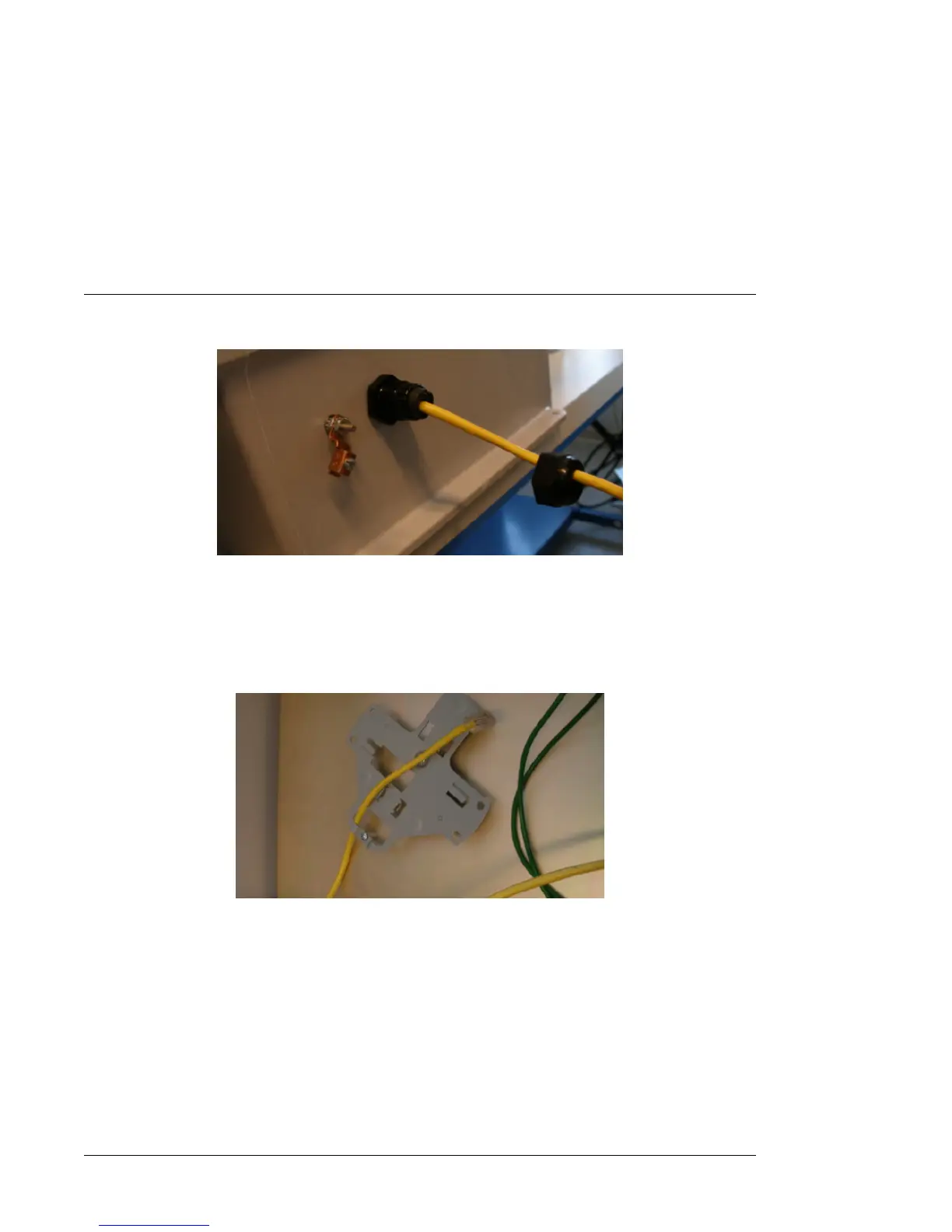
Figure 15. Rubber Washers into the Ethernet cable
9 Insert enough of the Ethernet cable into the enclosure so that you can connect it to the AP.
10 Tighten the Gland nut, but not 100%. Tighten it just enough to ensure it stays in place.
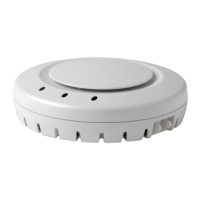
11 Loop the Ethernet cable through the mounting bracket as shown in Figure 16 .
Figure 16. Ethernet cable in the Mounting Bracket
12 Connect the Ethernet cable to Port 1 on the AP as shown in Figure 17


 To Next Page