Installing the BayStack 425 Switch
19
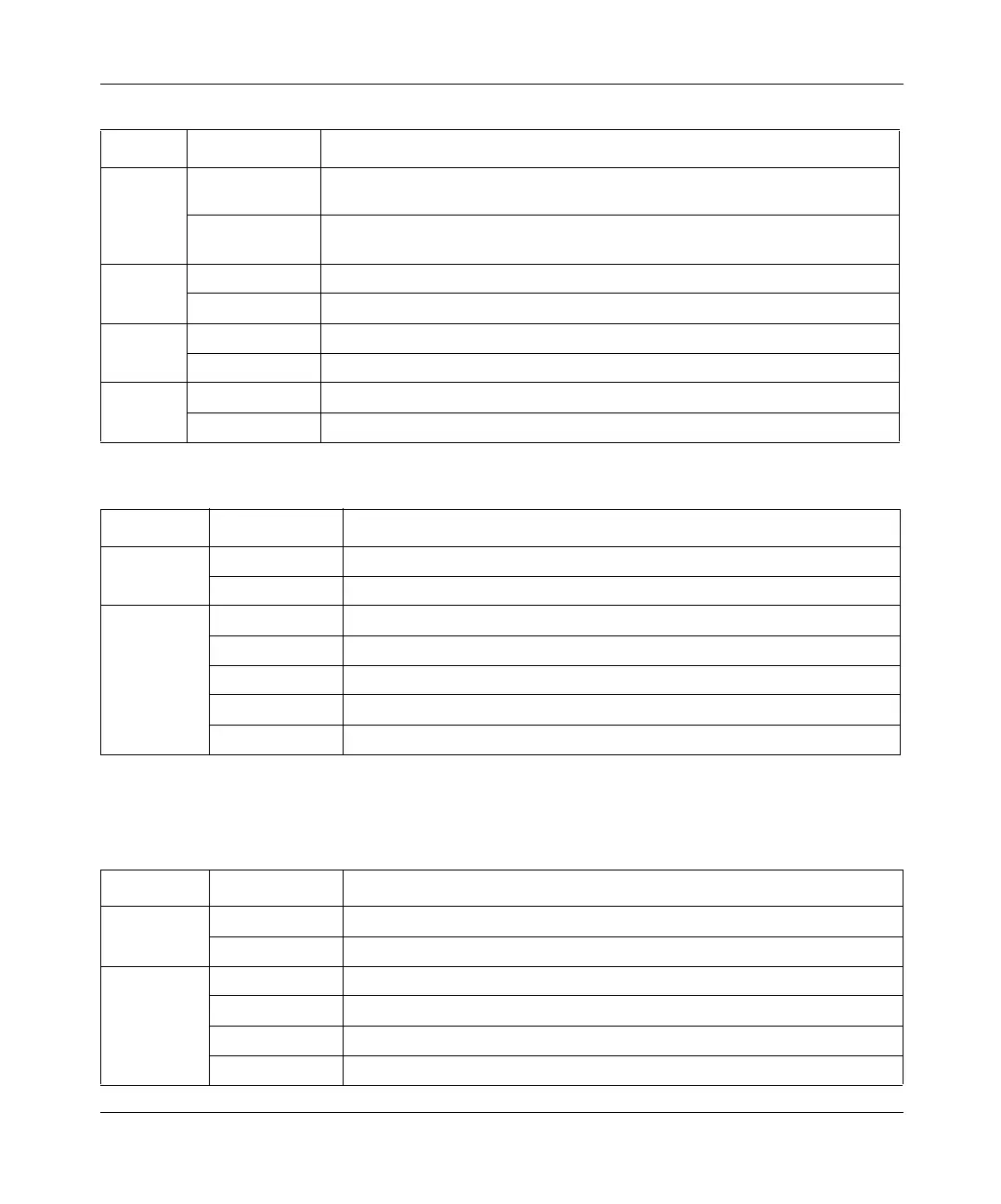
GBIC/
Stack
Green Port 26 (BayStack 425-24T) or Port 50 (BayStack 425-48T) is currently
enabled and the stacking port on the rear of the unit is inactive.
Off Port 26 (BayStack 425-24T) or Port 50 (BayStack 425-48T) is currently
disabled and the stacking port on the rear of the unit is active.
Up
Green A connection was detected to a unit through the stack up connector.
Off No connection was detected to a unit through the stack up connector.
Pwr
Green Power is available to the switch.
Off No power is available to the switch.
Down
Green/steady A connection was detected to a unit through the stack down connector.
Off No connection was detected to a unit through the stack down connector.
Table 7 10/100 LEDs on the BayStack 425 Switch
Label Color/Status Meaning
10/100
Green/steady This port is set to operate at 100 Mb/s, and the link is good.
Off The port is set to operate at 10 Mb/s.
Link/Activity
Green Station connected at 100 Mbps
Amber Station connected at 10 Mbps
Green/Flashing Traffic activity at 100 mbps
Amber/Flashing Traffic activity at 10 mbps
Off No link/No traffic
Table 8 SFP GBIC Port LEDs on the BayStack 425
Label Color/Status Meaning
M (MGBIC)
Green This port has a good connection (fiber).
Off This port does not have a good connection (fiber).
T (Copper)
Green This port has a good connection (copper - at 1000 Mbps).
Amber This port has a good connection (copper - at 100 Mbps).
Amber/Green This port has a good connection (copper - at 10 Mbps)
Off This port does not have a good connection.
Table 6 LEDs on the BayStack 425 (continued)
Label Color/Status Meaning
book.book Page 19 Thursday, July 29, 2004 10:07 PM



 To Next Page