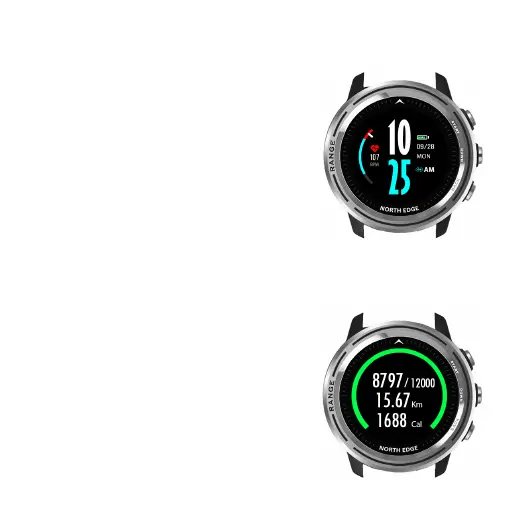
13.Dials
1.Time setting: the watch connects to the
phone to get the instant date time.
2.In pursuit of maximum standby time,
the dial with seconds is only displayed for
five seconds when activated.
3.The pedometer/distance/calorie count
displayed on the dials will be reset to zero
the next day. Historical data can be viewed
in the “Today” section of HPLUSFIT under
pedometer/sleep/heart rate.
4.In the dial interface, side-to-side swipe
can switch dial.
- 10 -
14.My Day
1.Pick pedometer data , exercise distance,
exercise calories today in this section. Goal
12,000 steps can be set in HPlusFit-Me-My
device-more-My goal. The watch alerts
you when you’ve achieved the goal.
2.Pedometer/distance/calorie count for
today will be reset to zero the next day.
Historical data can be viewed in the “Today”



 To Next Page