- 16 -
Historical data, a record of successful movements will be
displayed in a list form in the watch’s movement-historical data.
When the watch is connected to HPlusFit Bluetooth, the record
of the successful exercise will be available in chronological order
in HPlusFit-exercise. Click on a single piece of data to view the
data. The track will be visible on a map during outdoor running/
hiking/cycling.
4, HPlusFit-Me-my device-more-my goals can set specific goals
for each activity, such as 30 minutes or 5KM, and will be alerted
when the goals are achieved.
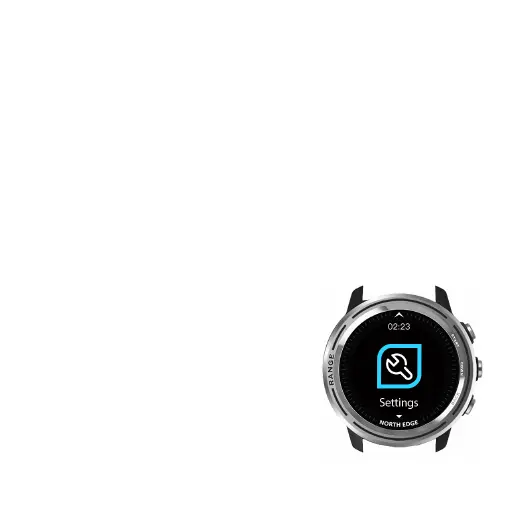
19.Settings:
1.Vibration Switch: turn on /off watch
vibration.
2.Wrist: Options for automatically turning
on the backlight by rotating arm during
6:00pm to 12:00pm. In original setting,
it is off. If you need this function, you can
turn it on.
3.Height correction:
The sensor measures the relative
height caused by the motion. It occurs
when the air pressure changes in real time.



 To Next Page