- 13 -
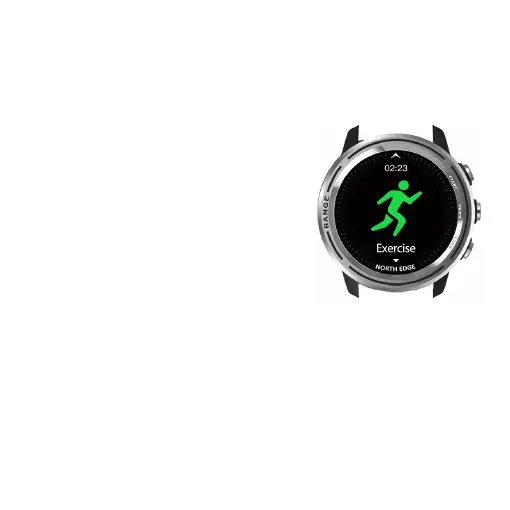
17.Exercise
1.Scroll up/down from the dial to find the
Sports type selection screen. Swipe left/
press Start button to enter the menu and
choose walk -outdoor -running-
mountaineering-cycling-swimming-indoor
running-diving-free exercise-historical
data.
2.If satellite positioning is not required,
the motion program interface can be
swipe left/pressing the START button to
start.
3.To pause a motion, swipe right or press
BACK to continue/stop/discard the motion
record.
4.Please start the dive above water. Once
the diving finished, please return to the
water surface and press BACK button to stop. The touch screen
is turned off while running dive mode to prevent accidental touch
underwater.Please do not press the buttons under water.



 To Next Page