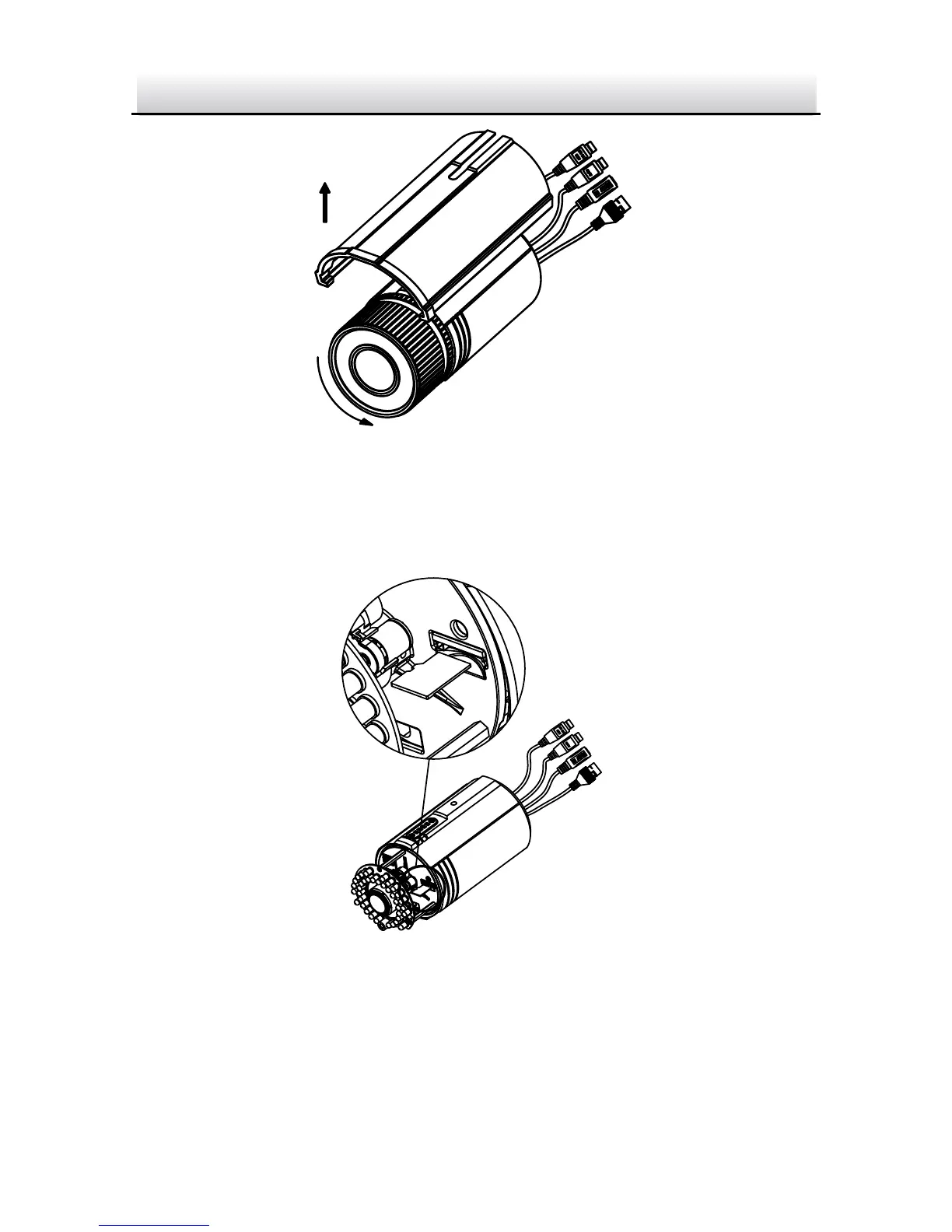
Figure 2-2 Remove the Sun Shield
3. Remove the front cover by rotating it counterclockwise.
4. Insert the microSD card into the microSD card slot.
Figure 2-3 Insert the microSD Card
5. Rotate the front cover clockwise back to the camera and install
the sun shield back.
6. Tighten the lock screw clockwise to tighten the sun shield.



 To Next Page