3 Setting the Network Camera over the
LAN
Note:
You shall acknowledge that the use of the product with Internet
access might be under network security risks. For avoidance of any
network attacks and information leakage, please strengthen your
own protection. If the product does not work properly, please
contact with your dealer or the nearest service center.
3.1 Wiring
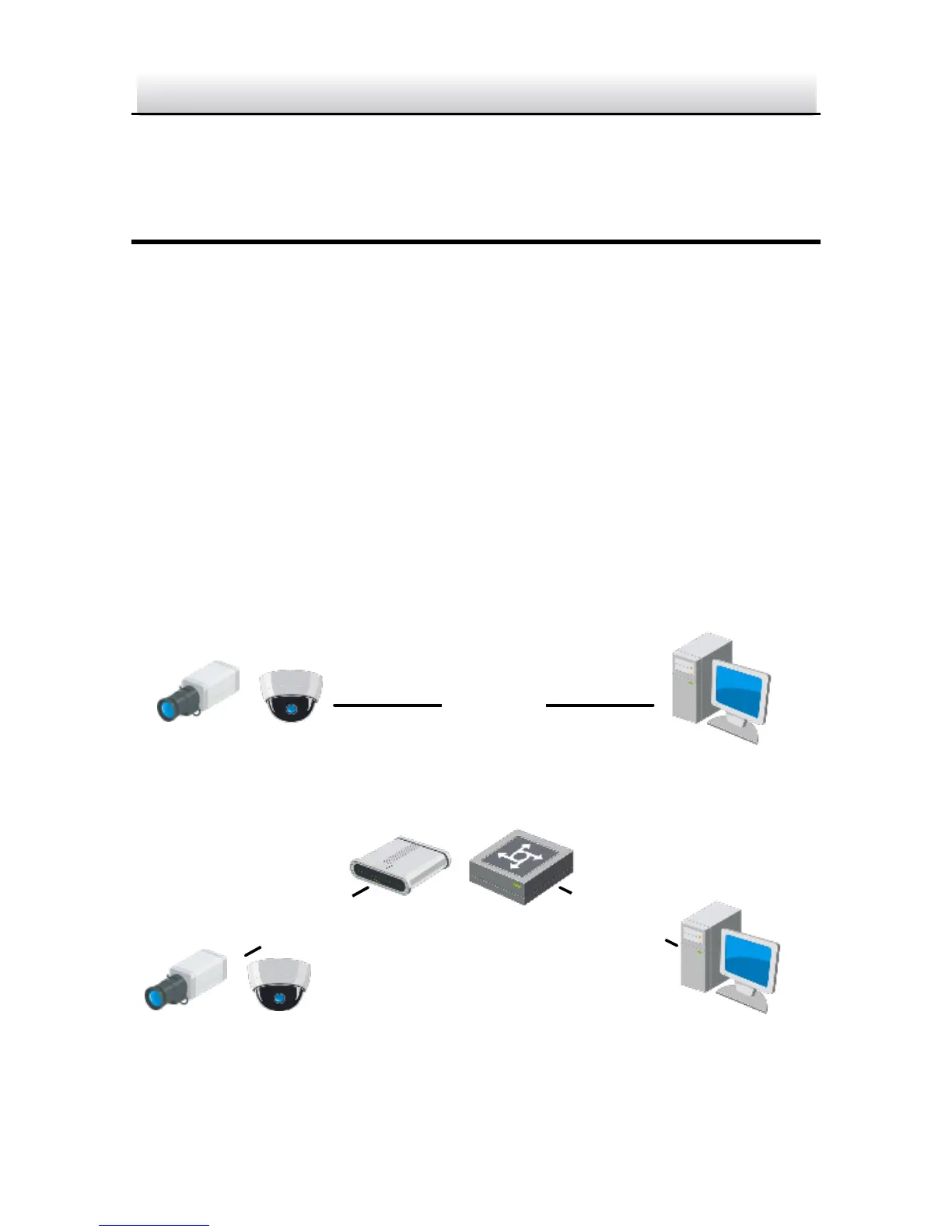
Please connect to the camera to the network according to the
following figures


 To Next Page