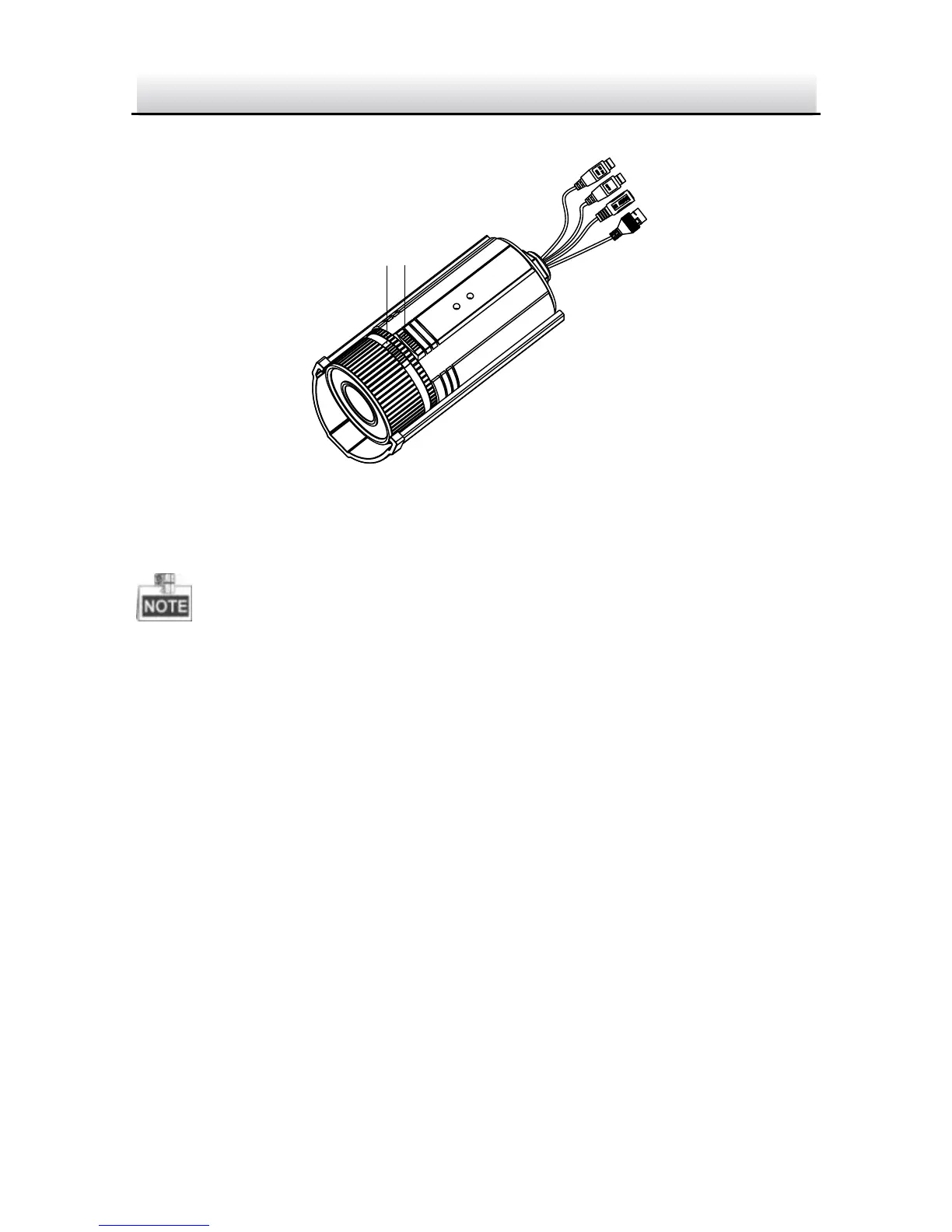
Figure 2-4 Tighten the Front Cover
For water-proof performance, align the rotating label on the front
cover with that on the camera when you rotate the front cover
clockwise.
2.2 Type I Camera Mounting
This camera is equipped with a bracket. It can be mounted to a wall
or a ceiling directly and can also be mounted with a junction box or a
gang box.
2.2.1 Direct Mounting
Steps:
1. Attach the drill template (supplied) to the wall or the ceiling
where the camera is to be mounted.


 To Next Page