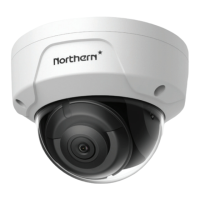
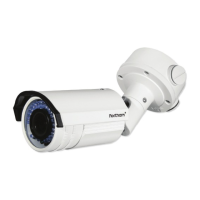
2.2.2 Mounting with a Junction Box
Before you start:
The junction box is not included in package. You need to prepare one
for this mounting type.
Steps:
1. Attach the drill template (supplied) to the wall where the camera
is to be mounted.
2. Drill holes in the wall according to the number two holes of the
drill template. See Figure 2-5.
3. If you need to route cables through the wall (or ceiling), cut a
cable hole according to the drill template. Skip this step, if you
want to route the cables on the surface of the wall (or ceiling).
4. Secure the junction box to the wall (or ceiling) with expansion
screws.
5. Hook the camera to the junction box with the safety rope.
6. (Optional) Install the water-proof jacket for network interface.
Refer to Section 2.5.
7. Route the cables of the camera.
8. Connect the interfaces and power on the camera to see if you can
get an image on your monitoring screen.
If you can’t get the image, check the connection of the interfaces
before performing the next step.


 To Next Page