Omni Key Keyboard User's Guide
You must also remove the keys from
the default positions as described
below.
1. Remove the ALT and CTRL keys on
the right side of the keyboard and
swap their positions. Refer to
Pulling Key Caps (page 11) for in-
structions.
2. Remove the CTRL, ALT, and CAPS
LOCK keys from the left side of the
keyboard. Place the original ALT
key in the new position.
3. Place the special replacement CTRL
and CAPS LOCK keys in the new po-
sitions and push them into place.
You cannot remove the original CAPS
LOCK, CTRL key caps and replace them
in the new positions. The key caps
are designed for specific positions on
the keyboard and may not fit properly
in other locations.
Swapping the
BACKSLASH (\) Key and
the ASTERISK (*) Key
(Excluding Amiga)
The OmniKey keyboards (except the
101) allow you to swap the locations of
the backslash (\) key and the asterisk
(*) key. This feature is provided for
people who prefer the (*) key next to
the right SHIFT key and the (\) key be-
tween the right CTRL and ALT keys.
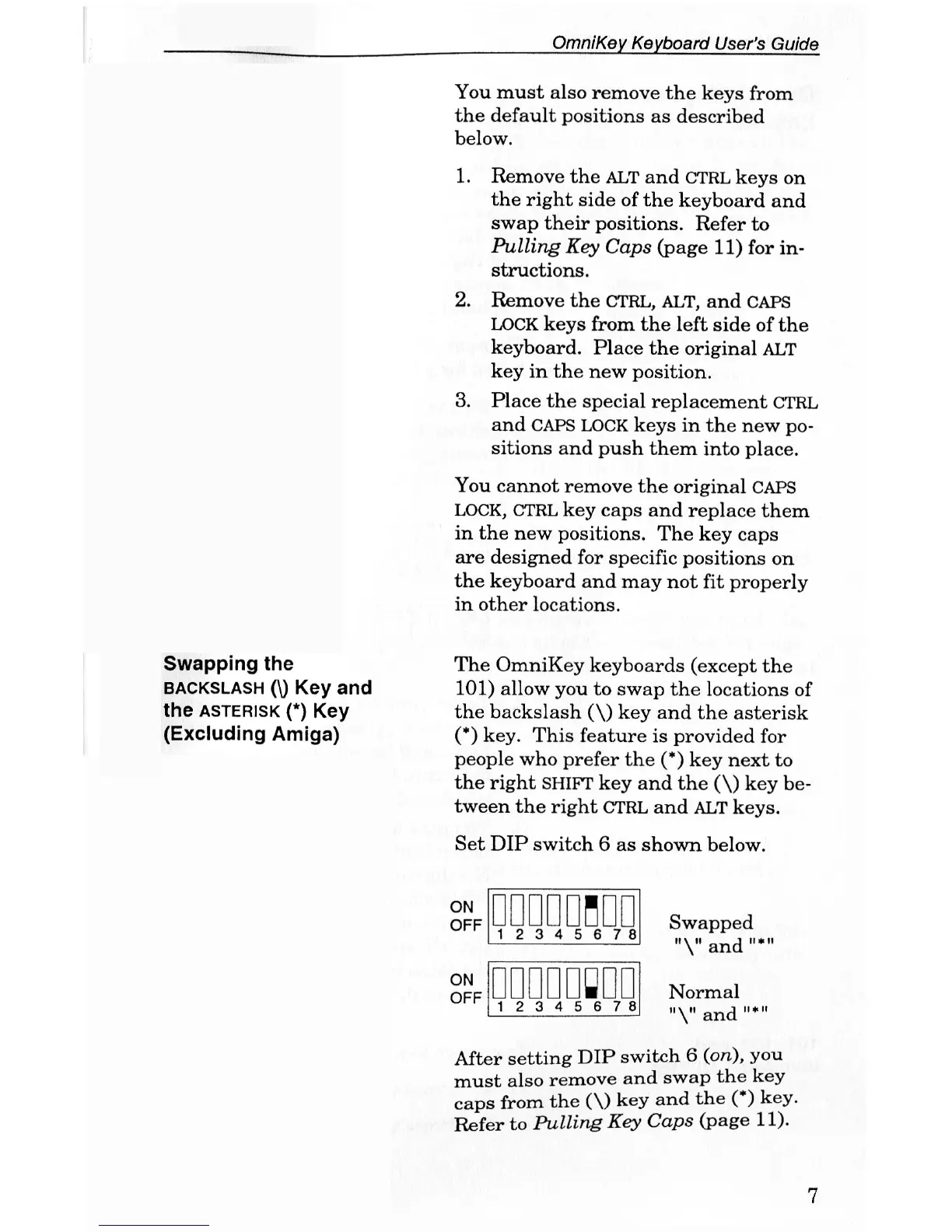
Set DIP switch 6 as shown below.
ON
OFF
ON
OFF
0DD00HD0
1 2 3 4 5 6 7 8
•••••ODD
1 2 3 4 5 6 7 8
Swapped
and "*"
Normal
and "*"
After setting DIP switch 6 (on), you
must also remove and swap the key
caps from the (\) key and the (*) key.
Refer to Pulling Key Caps (page 11).
7


 To Next Page