Omni Key Keyboard User's Guide
Connecting the Cable 1. Turn your computer off. If you
haven't already disconnected your
old keyboard, do so now.
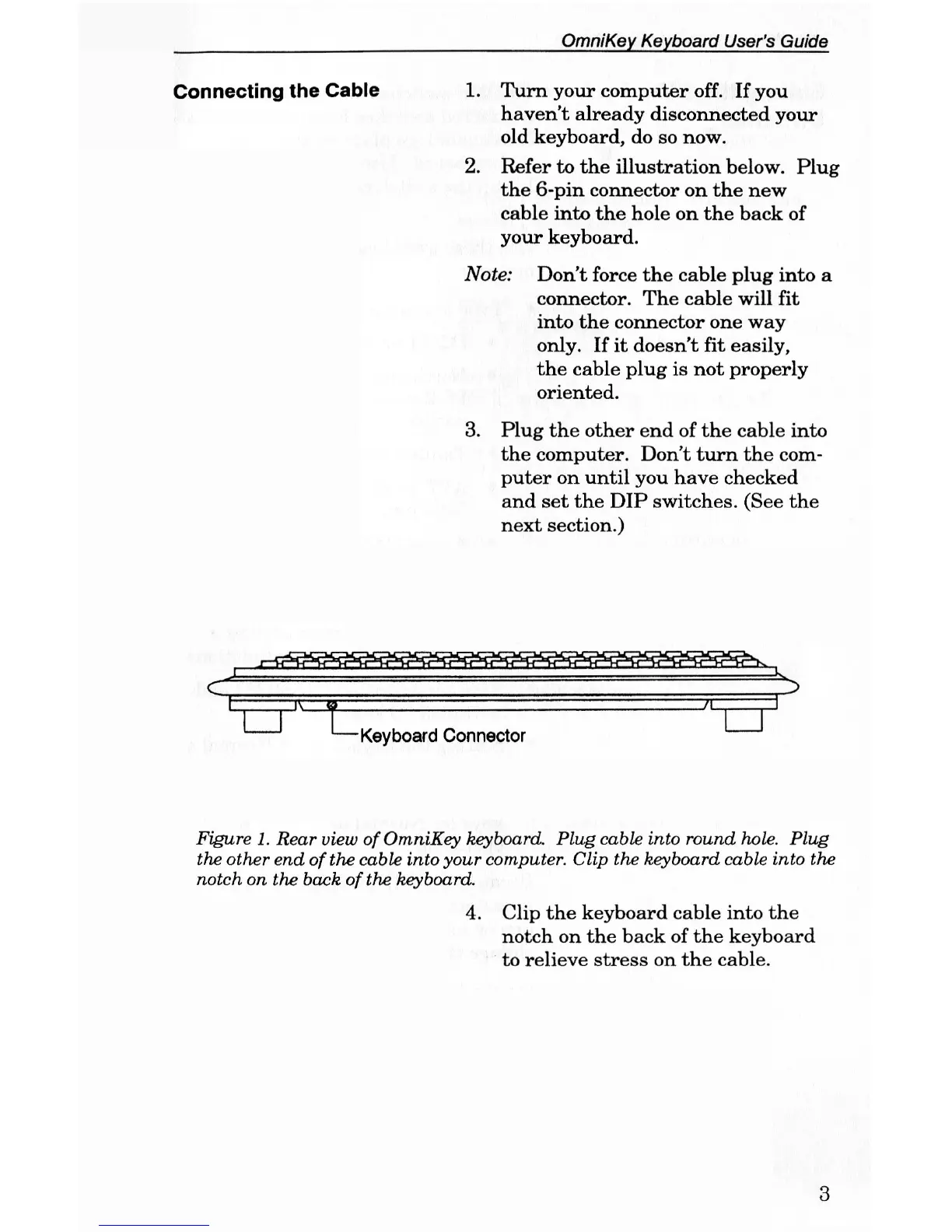
2. Refer to the illustration below. Plug
the 6-pin connector on the new
cable into the hole on the back of
your keyboard.
Note: Don't force the cable plug into a
connector. The cable will fit
into the connector one way
only. If it doesn't fit easily,
the cable plug is not properly
oriented.
3. Plug the other end of the cable into
the computer. Don't turn the com-
puter on until you have checked
and set the DIP switches. (See the
next section.)
Figure
1.
Rear
view
of
OmniKey keyboard.
Plug
cable
into round
hole.
Plug
the
other end of
the
cable
into
your
computer.
Clip the
keyboard
cable into the
notch on the
back
of
the keyboard.
4. Clip the keyboard cable into the
notch on the back of the keyboard
to relieve stress on the cable.
3



 To Next Page