17
Northstar Explorer 443s/443sp Installation and Operation Manual
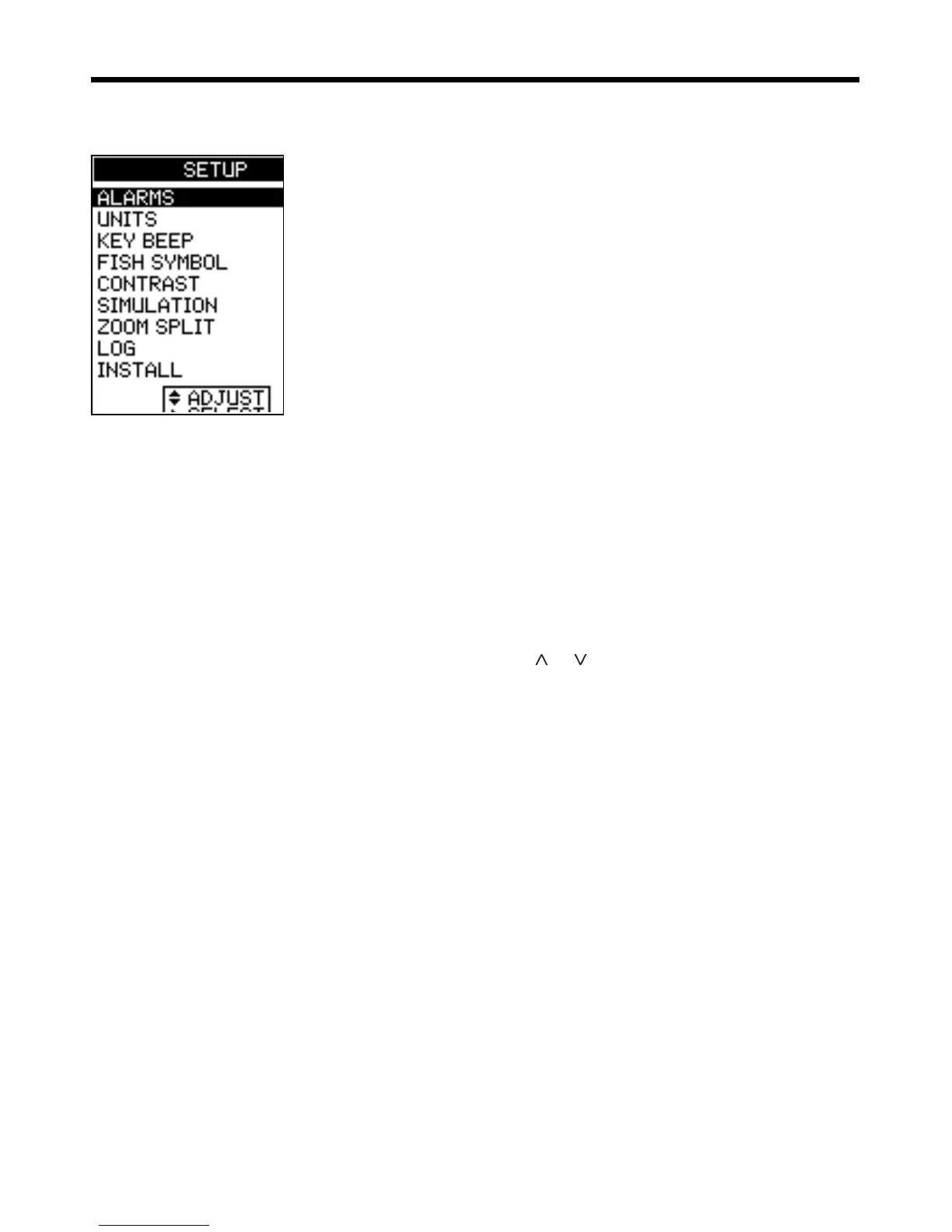
Select MAIN MENU - SETUP to display the SETUP
menu:
Use the SETUP menu to customize settings to suit
the boat and individual preferences, as follows:
· Specify the trigger settings for the alarms
(see section 4-1).
· Choose the units for depth, temperature,
speed and fuel (see section 4-2).
· Turn the key beep on or off.
· Choose the fish symbol (see section 4-3).
· Choose the contrast level (see section
4-4).
· Turn Simulation mode on or off
· Turn Zoom Split on or off (see section
4-5)
· Select the Trip Log or the Total Log (see
section 4-6).
· Zero Trip Log or zero all logs (see section
4-6).
· Select language, setup the keel offset
(see section 4-7).
· Calibrate speed and temperature sensors
(see section 4-7).
Press
or
to highlight an option, then see the
following sections.
4 SETUP menu



 To Next Page