20
Northstar Explorer 443s/443sp Installation and Operation Manual
Select MAIN MENU - SETUP - FISH SYMBOL to
display the fish symbol options for the screen
displays.
There are three options. Press
to select:
· OFF
·
·
OFF
Displays echoes as dots on the screen.
Displays any echoes returned that match the
profile of a fish as a fish symbol in one of three
sizes:
Strongest echo
Average echo
Weakest echo
4-3 FISH SYMBOL
Echoes which are not recognised as fish are
displayed as dots on the screen.
Displays any echoes returned that match the
profile of a fish as a fish symbol in one of three
sizes as above. The depth of the fish is shown
to the left of the symbol. Echoes which are not
recognised as fish are displayed as dots on the
screen.
Use the FISH FILTER setting to adjust the fish
detection. (see section 4-9)
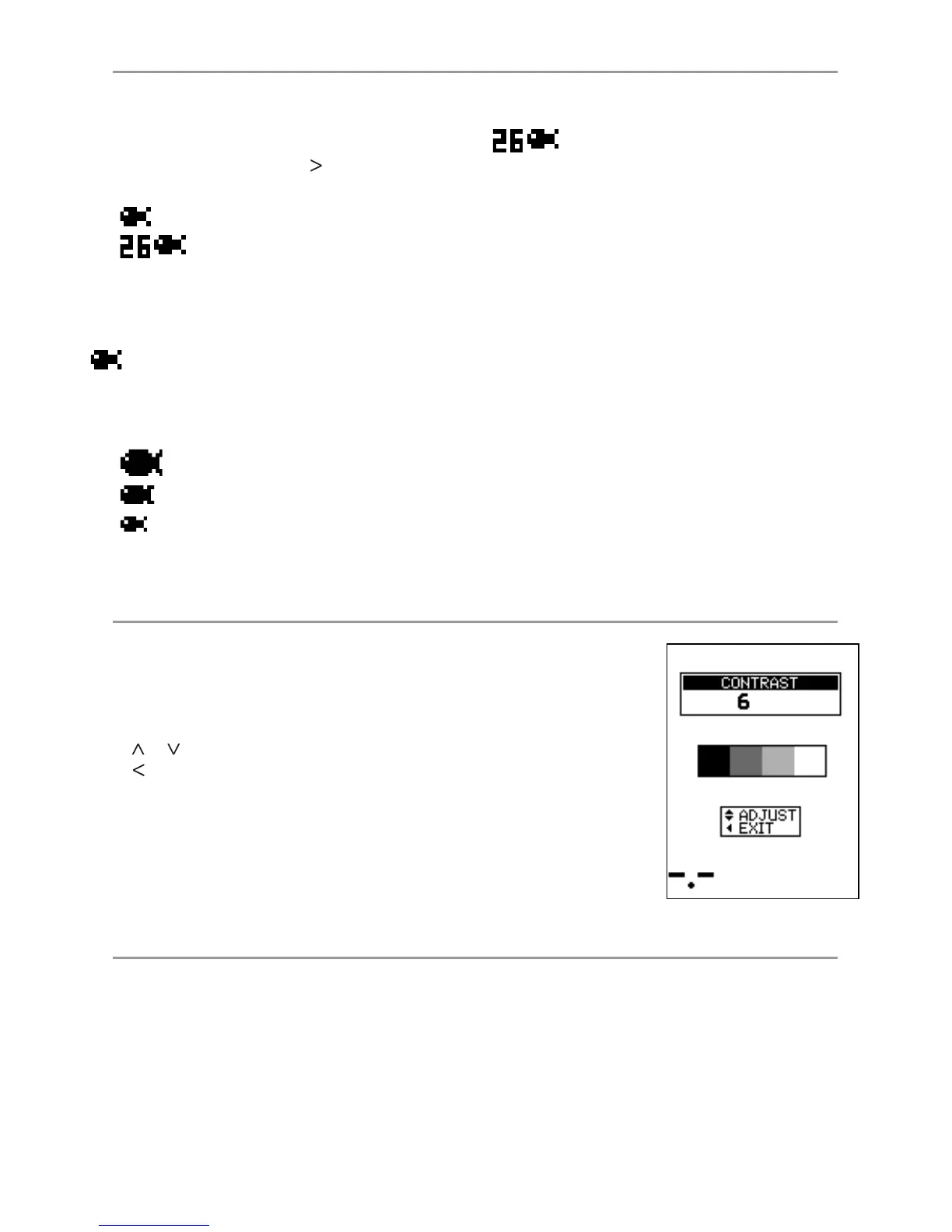
Select MAIN MENU - SETUP - CONTRAST to display the contrast setting box
and the current setting.
The contrast level can be set at any level between 0 and 16. The default
setting is 6.
Press
or
to increase or decrease the setting to the required level. Then
press
to exit.
4-4 CONTRAST menu
Select OFF to obtain a zoom only screen. (full screen zoom)
Select ON to obtain a split zoom / history screen (default)
4-5 ZOOM SPLIT



 To Next Page