Northstar M121/M84 Installation and Operation Manual 25
4 Video window
The video window shows a picture from a
video device, such as a camera. The video
window requires a video device to be installed.
To select the video window, press
DISPLAY
and
select Video.
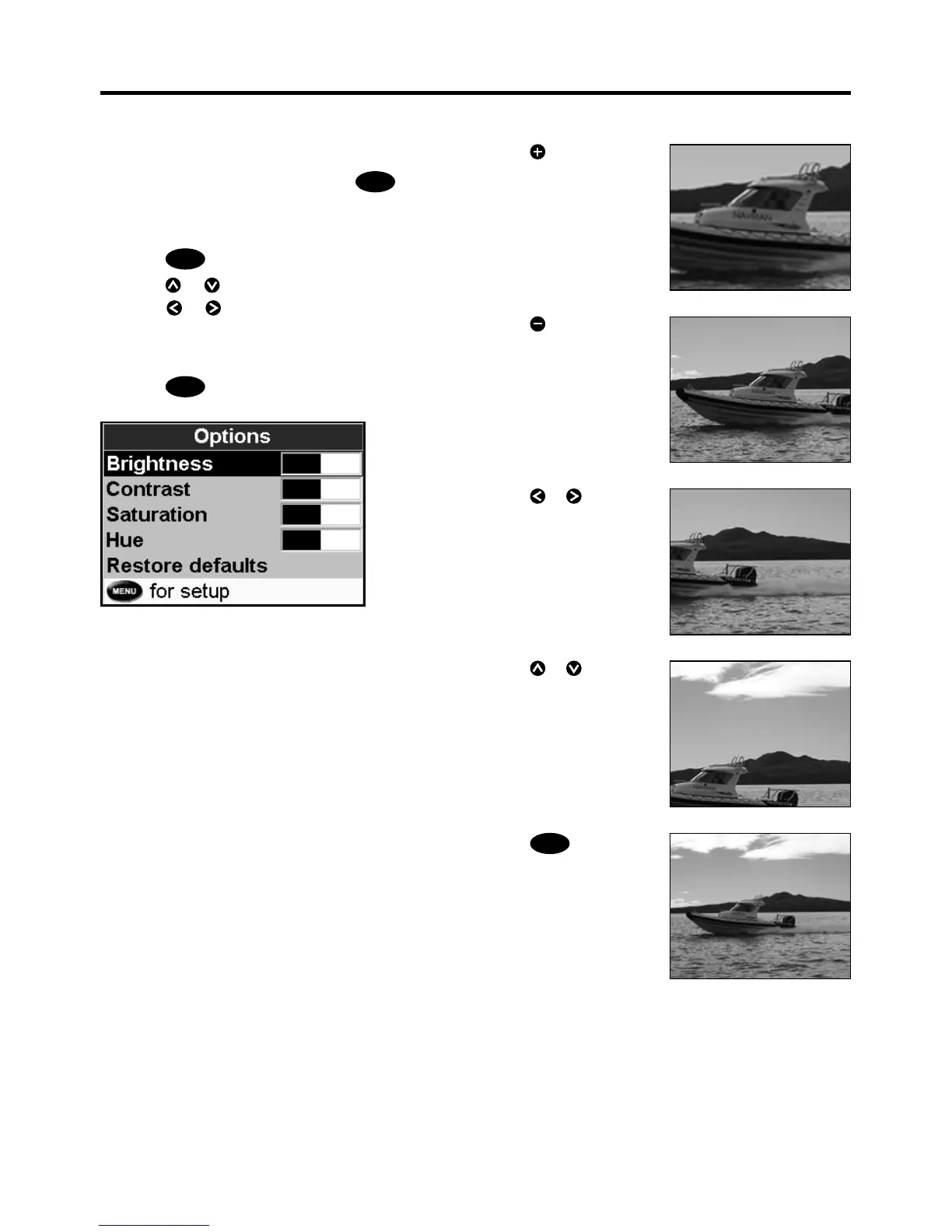
Adjusting the video picture color
1 Press
MENU
.
2 Press
or to highlight a control, then
press
or to adjust the control.
3 To return the colors to their default settings,
select Restore defaults.
4 Press
ESC
.
Press to zoom in
Changing the video picture
Press
ESC
to fi t the
whole picture in the
window
Press
or to move
the picture up and down
Press
or to move
the picture sideways
Press
to zoom out


 To Next Page