Northstar M121/M84 Installation and Operation Manual8
1-4 Removing and replacing the display unit
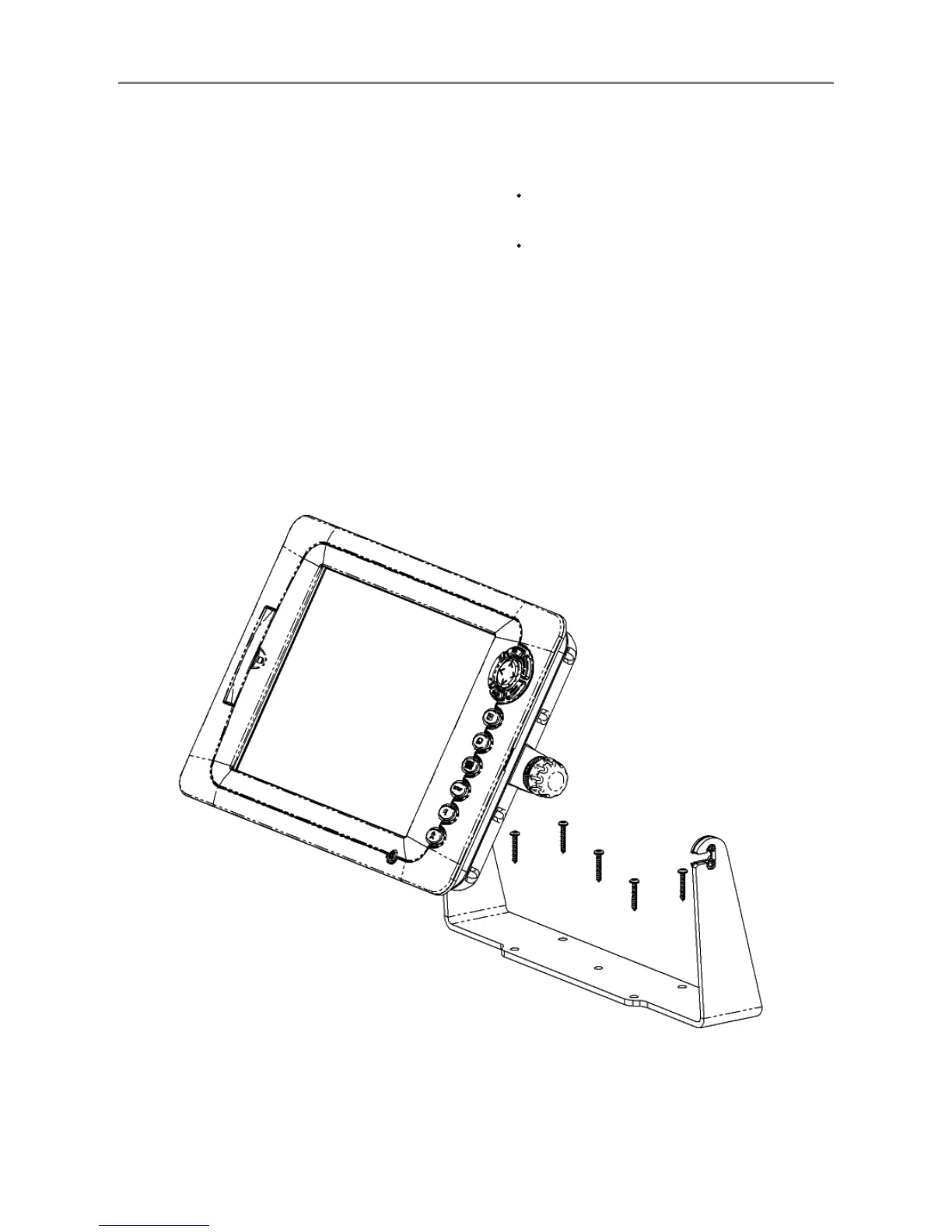
If the M121/M84 is bracket mounted then it can
easily be removed for security.
Removing the display unit:
1 Turn the M121/M84 off (see section 2-2) and
put the dust cover on.
2 Loosen the knobs on the mounting bracket
and lift the unit off the bracket.
3 Unplug the connectors from the M121/M84;
turn each locking collar anticlockwise until
you can pull the plug out.
4 Store the M121/M84 in a dry clean place.
Replacing the display unit
1 Plug the connectors into the back of the
display unit:
Match the connector’s color to the socket
color.
Insert each connector and turn the
locking collar clockwise until it is finger
tight.
Nothing will be damaged if a cable is
plugged into the wrong socket by mistake.
2 Hold the M121/M84 in place on the
mounting bracket. Tilt it for best viewing,
then hand tighten the knobs on the
mounting bracket. Remove the dust cover.
Mounting bracket
Knob


 To Next Page