Northstar M121/M84 Installation and Operation Manual 61
Displaying a boat on the chart
1 Press or to select a boat.
2 Press
MENU
and select Display. The
Instrument switches to chart window, with
the selected boat position in the middle (see
Boat positions above).
Going to a boat
1 Press or to select a boat.
2 Press
MENU
and select Goto. The Instrument
starts navigating to the boat’s position (see
Boat positions 17-1).
Creating a waypoint
Polled and buddy track boats are not waypoints.
To create a waypoint at the position of a polled
boat (see Boat positions above):
1 Press
or to select a boat.
2 Press
MENU
and select Create
waypoint. Edit the waypoint data if
required (see section 6-2-7).
Editing a waypoint
A distress message creates a waypoint for the
boat or you can create a waypoint at a polled
boat’s position. To change the data of these
waypoints:
1 Press
or to select a boat.
2 Press
MENU
and select Edit waypoint.
Edit the waypoint data if required (see
section 6-2-7).
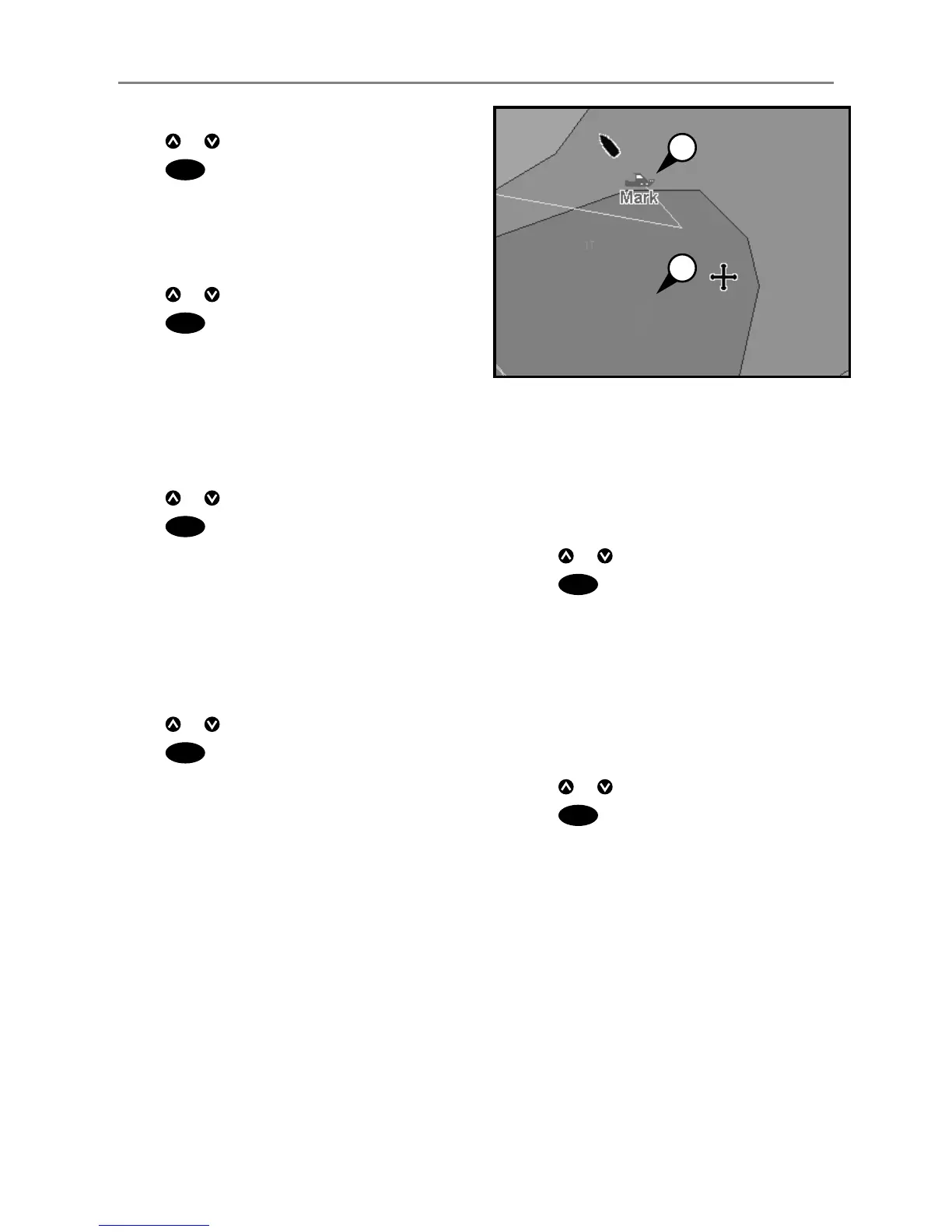
On a chart window:
A Distress boats are distress waypoints
B Buddy track boats are buddy symbols
Deleting a boat
At the Distress or Poll windows:
1 Press
or to select a boat.
2 Press
MENU
and select Delete. The boat is
deleted from that window. Delete any boat
waypoint manually (see section 6-2-5).
Buddy track boats automatically disappear from
the Buddy track window when your DSC radio
can not pick up their signal.
Deleting all boats
At the Distress or Poll windows:
1 Press
or to select a boat.
2 Press
MENU
and select Delete all. All
boats are deleted from that window and any
boat waypoints are deleted.
17-2 Using the windows
A
B


 To Next Page