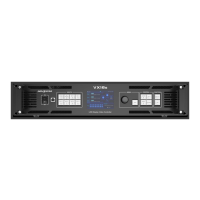
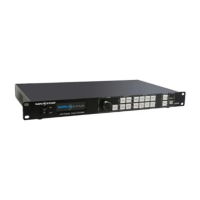
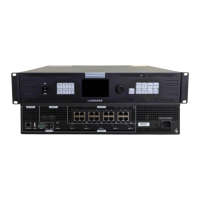
VX400 All-in-One Controller User Manual
Prerequisites
The VX400 is connected to a light sensor.
NovaLCT V5.4.4.6 or later software is installed on the control PC.
Operating Procedure
Step 1 In NovaLCT, go to User > Advanced Synchronous System User Login and log in to NovaLCT.
Step 2 Click Brightness or go to Settings > Brightness to open the brightness configuration page.
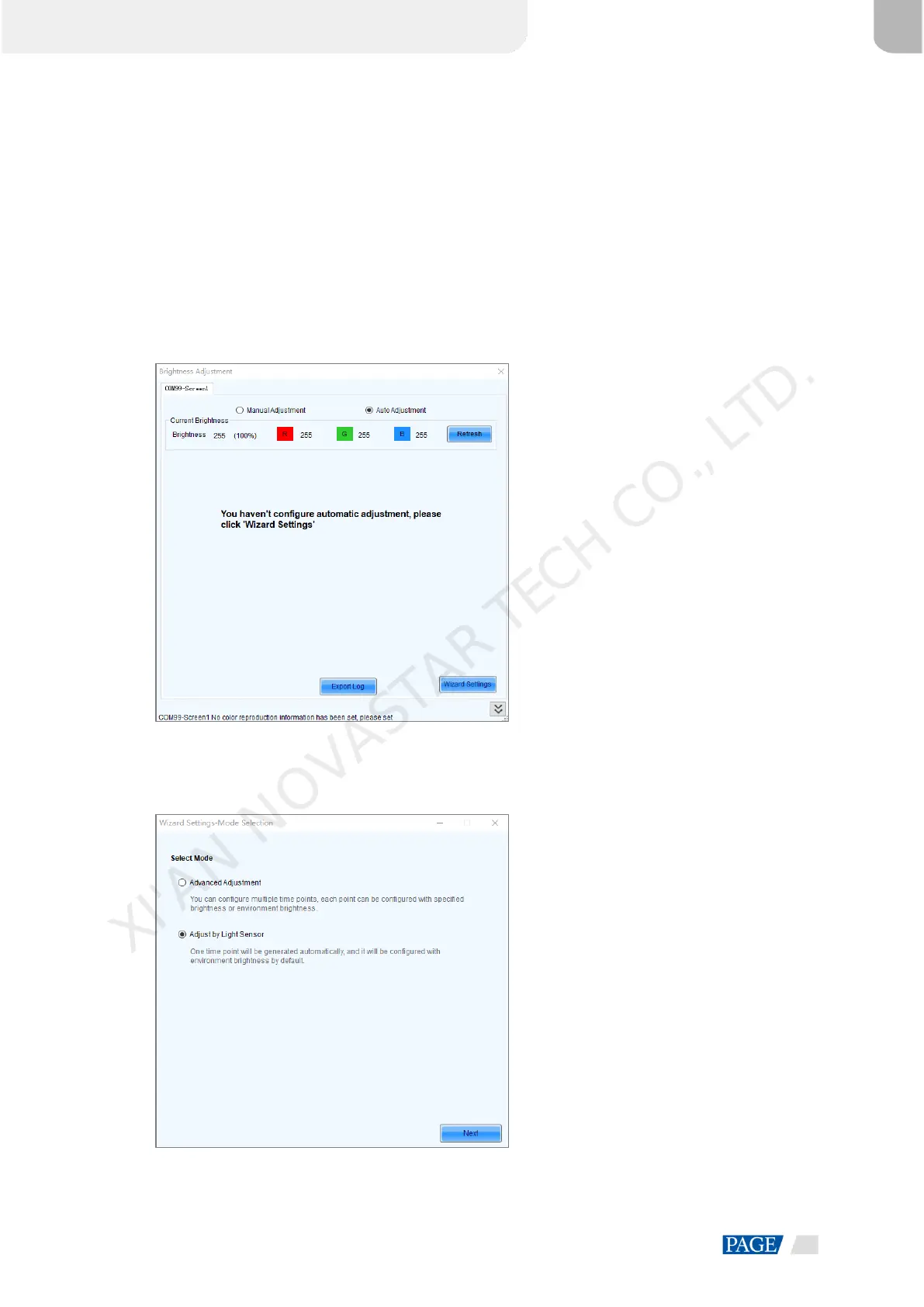
Step 3 Select Auto Adjustment to open the automatic brightness adjustment page.
Figure 8-1 Brightness adjustment
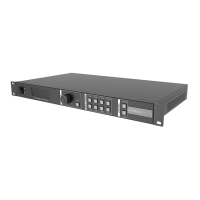
Step 4 Click Wizard Settings to open the adjustment type settings page.
Figure 8-2 Setting adjustment type
Step 5 Select Adjust by Light Sensor and click Next to open light sensor settings page.
XI'AN NOVASTAR TECH CO., LTD.


 To Next Page