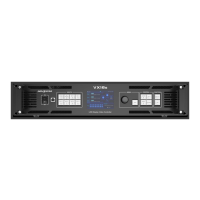
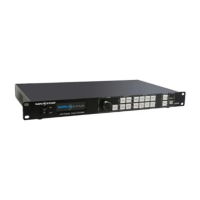
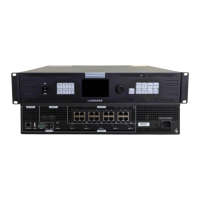
VX400 All-in-One Controller User Manual
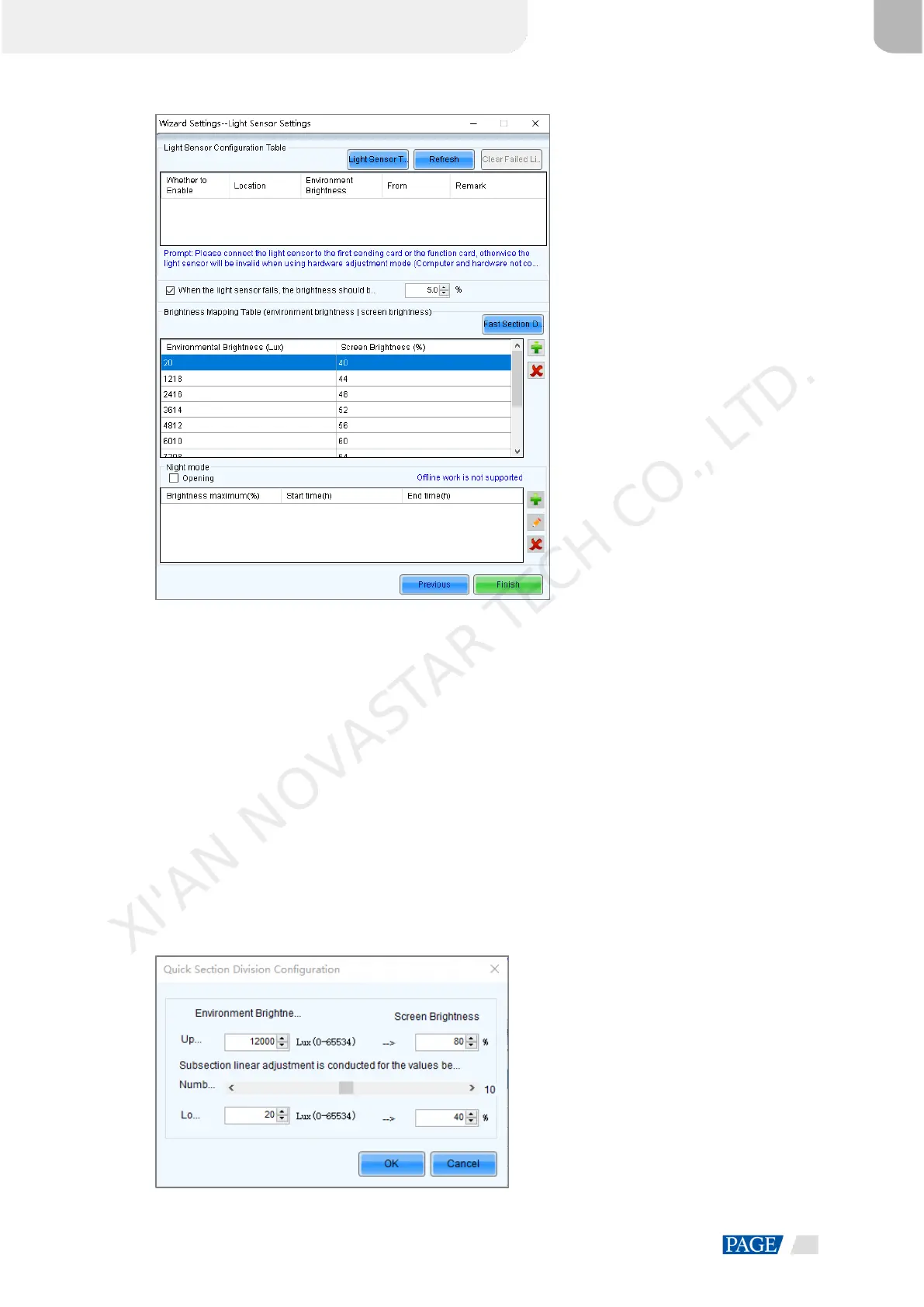
Figure 8-3 Light sensor settings
Light Sensor Test: Test the light sensors connected to the control system, including the light sensors
connected to all sending cards and multifunction card.
Refresh: Refresh the connection status of the light sensors to handle the situation that new light sensors
are connected or the light sensors are disconnected.
Clear Failed Light Sensor Information: Clear the light sensors that you do not use.
Step 6 Select the light sensors to enable them.
Step 7 Select When the light sensor fails, the brightness should be adjusted to and set a brightness value.
If this function is not enabled, when the light sensor fails, the brightness keeps the last updated value.
Step 8 Click Fast Section Division to open the fast section division configuration page.
Fast section division can equally divide the ambient brightness range and screen brightness range into the
specified number of segments. The software can adjust the actual screen brightness to a value between the
set screen brightness segment according to the corresponding current ambient brightness.
Figure 8-4 Fast section configuration
XI'AN NOVASTAR TECH CO., LTD.


 To Next Page