EasyManua.ls Logo

NovaTec NovaDrier ND-150 - User Manual

Default Icon
24 pages
Print Icon
To Next Page IconTo Next Page
Loading...
U.S. Patent No.
US
6,584,701 B1
Document: ND IM 3 JAN 2017
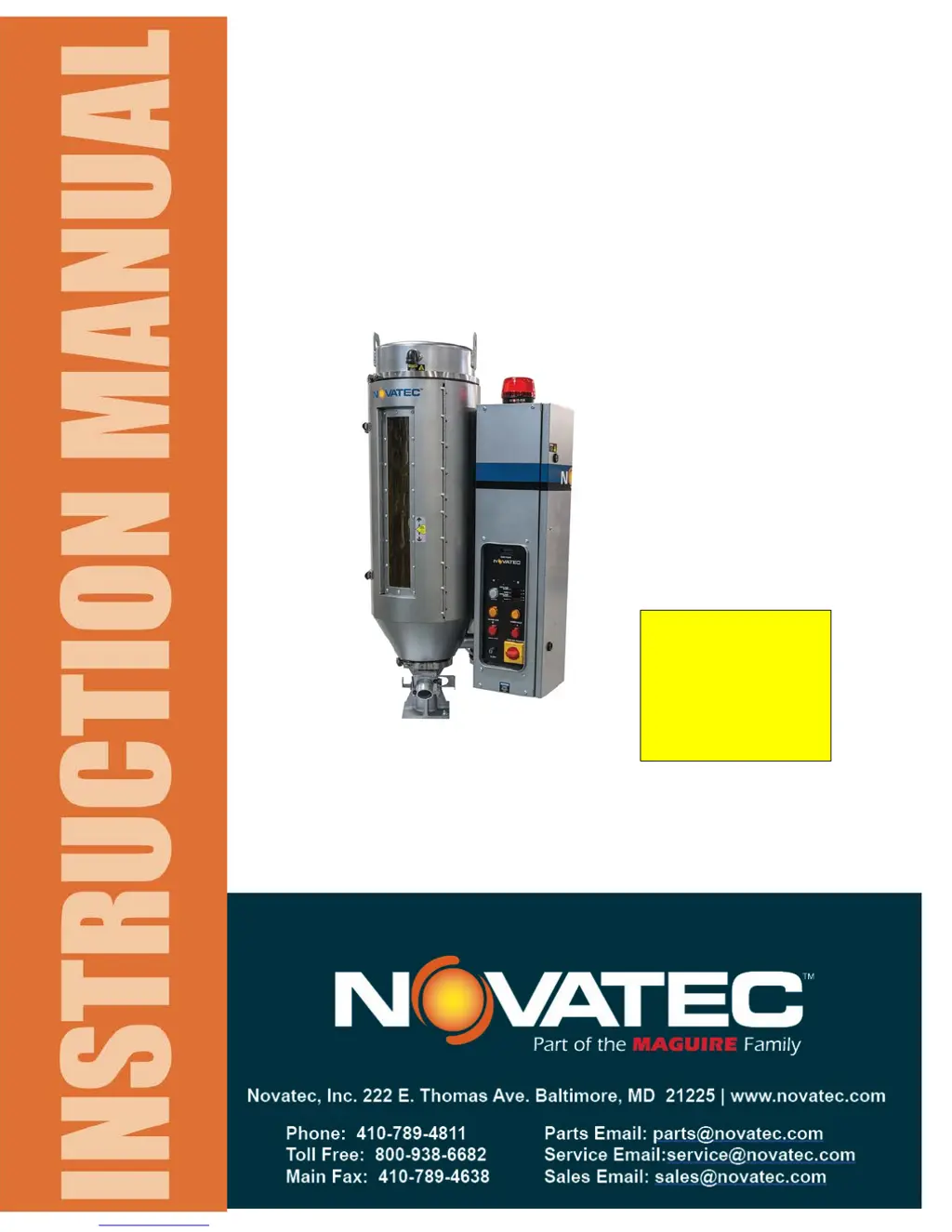
NovaDrier
MEMBRANE DRYER
for Plastics
MODELS: ND-7, ND-25, ND-50, ND-75,
ND-100, ND-150, ND-200
©NOVATEC, Inc. 2017 All Rights Reserved
NOTE:
See important
information
about air supply
on next page.

Questions and Answers

  • C
    Carla JensenAug 6, 2025
    Why is the OVER TEMP light on in my NovaTec NovaDrier ND-150?
    • P
      Pamela SimmonsAug 7, 2025
      If the OVER TEMP light is on in your NovaTec Dryer, it's often due to incorrect deviation or alarm set points in the temperature controller(s). To fix this, adjust the settings for your specific drying application. It could also be due to thermocouple failure(s), in which case you should repair or replace the thermocouple(s).
  • S
    Stephen MooreAug 21, 2025
    What to do if the LOW AIR PRESSURE light is on in my NovaTec NovaDrier ND-150 Dryer?
    • A
      Angela BoydAug 21, 2025
      If the LOW AIR PRESSURE light is on for your NovaTec Dryer, make sure the air LOWER valve is fully on (handle is vertical) and that ample air is supplied (85 psi +) as indicated on the pressure gauge on the side of the cabinet. Also, drain any water and clean the drainage tubes and/or base of the filters. Consider replacing both filters.

Summary

Specifications

2.1 NovaDrier Standard Component Set Points

Details standard component set points for air pressure, temperature, and dew point.

Installation

3.2 Connecting Power

Connect electrical power through a main line disconnect and ensure proper earth ground connection.

3.3 Compressed Air

Details requirements for compressed air supply, including ozone-free, vapor-free, and temperature limits.

3.3.1 Compressed Air Requirements

Specifies minimum pressure, temperature, and the critical need to avoid ozone.

3.3.2 Connecting Compressed Air

Connect the compressed air line to the inlet ball valve, adhering to size and pressure requirements.

Description of Operation

Initial Start-Up and Operation

Setting Energy Saver Option on ND-100 and Larger Sizes

Troubleshooting Guide

9.3 Troubleshooting Chart

A detailed chart listing problems, their conditions, codes, and solutions for troubleshooting.

Maintenance and Inspection Schedule

Warranty - Novatec, Inc.

NovaTec NovaDrier ND-150 Specifications

General IconGeneral
ModelND-150
CategoryDryer
Capacity150 kg
Voltage220-240 V
Frequency50/60 Hz
Drying TechnologyHot Air Circulation

Related product manuals