EasyManua.ls Logo

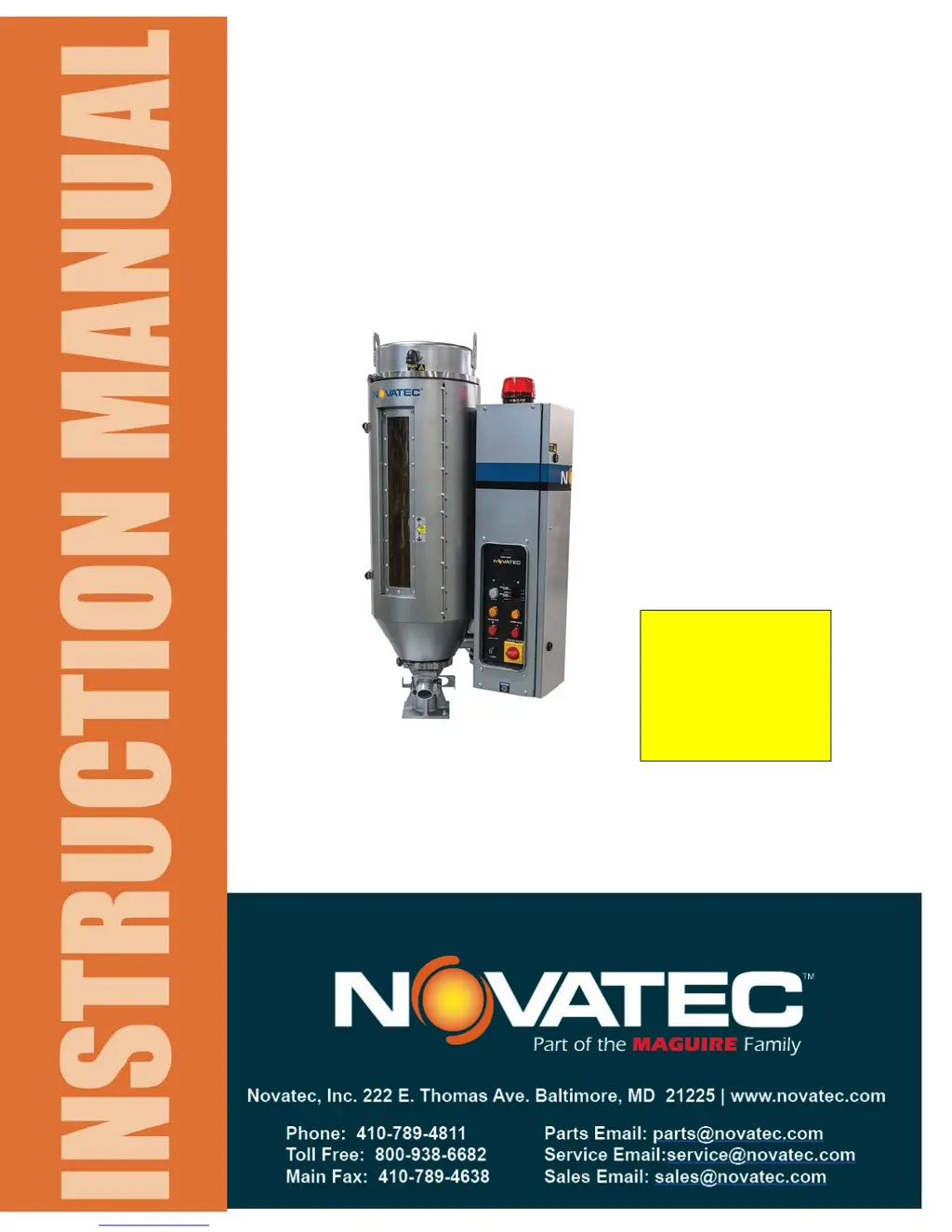
NovaTec NovaDrier ND-25 - User Manual

Default Icon
24 pages
Print Icon
To Next Page IconTo Next Page
Loading...
U.S. Patent No.
US
6,584,701 B1
Document: ND IM 3 JAN 2017
NovaDrier
MEMBRANE DRYER
for Plastics
MODELS: ND-7, ND-25, ND-50, ND-75,
ND-100, ND-150, ND-200
©NOVATEC, Inc. 2017 All Rights Reserved
NOTE:
See important
information
about air supply
on next page.

Questions and Answers

Summary

Specifications and Model Details

Installation Procedures

Mounting the Dryer

Mount the NovaDrier to the processing machine using the provided control panel support bracket.

Connecting Power Supply

Connect electrical power via a main line disconnect and ensure proper earth ground connection.

Compressed Air Requirements

Details on compressed air specifications, including ozone warnings for membrane warranty.

Connecting Compressed Air

Connect clean, ozone-free air. Specifies line size, pressure (85-125 psig), and temperature (<100°F).

Description of Operation

Initial Start-Up and Operation

Turning the Dryer On

Steps to ensure compressed air is flowing and then powering on the unit. Displays factory default temp.

Troubleshooting Guide

Troubleshooting Chart

A detailed chart linking problems to codes, conditions, checks, and solutions for diagnosis.

Maintenance and Inspection Schedule

Novatec Inc. Warranty Information

NovaTec NovaDrier ND-25 Specifications

General IconGeneral
ModelND-25
CategoryDryer
BrandNovaTec
Max. Throughput25 m³/h
Pressure dew point-40°C
Heating MethodElectric
Voltage230 V
Frequency50/60 Hz
Control TypeDigital
MaterialStainless Steel
Compressed air consumption0.5 m³/min

Related product manuals