All rights reserved © AAT SYSTEMY BEZPIECZEŃSTWA SP. Z O.O.
N Control 6000 - User’s manual ver. 1.1
18
BASIC FUNCTIONS
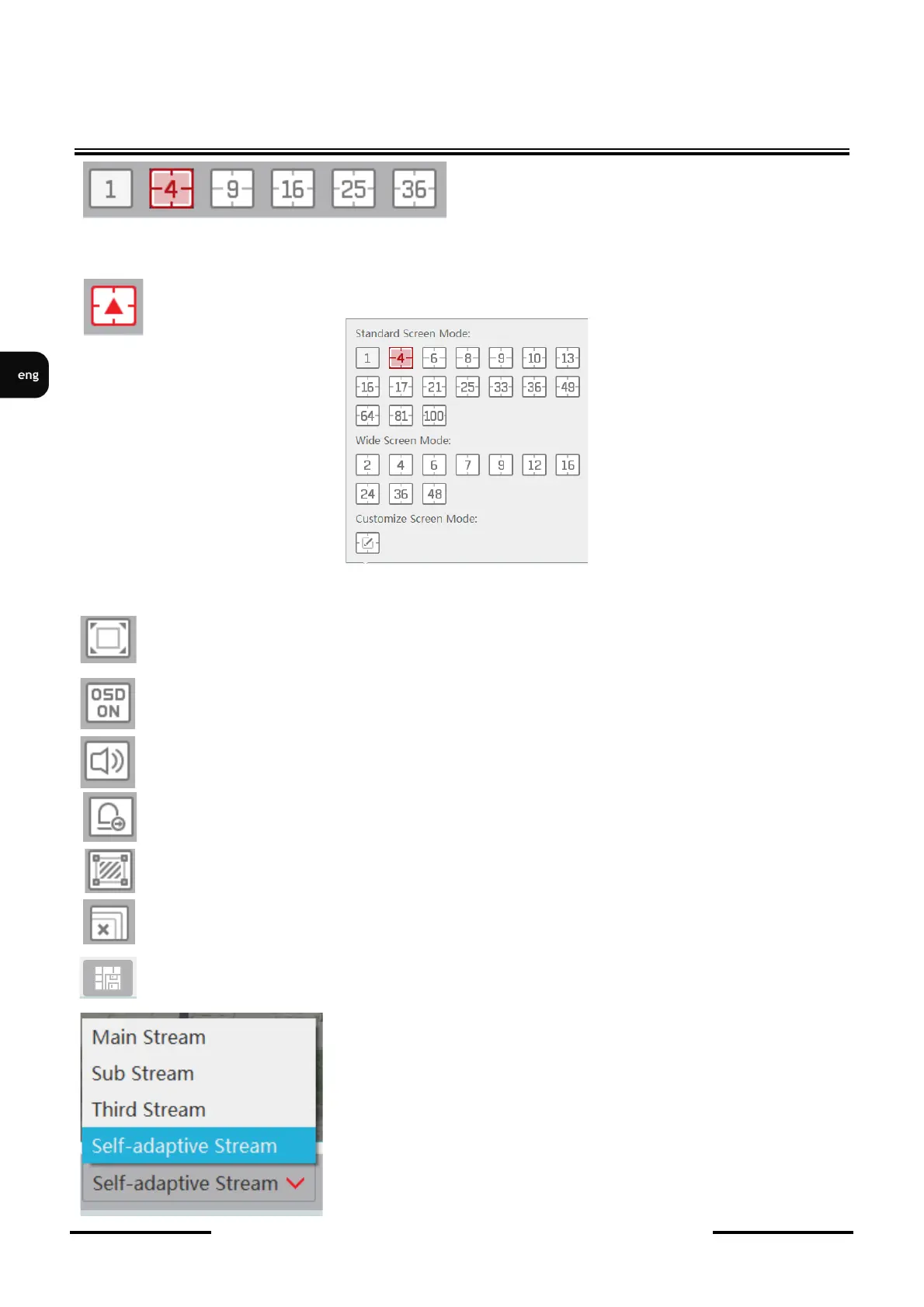
The selection of divisions is available after clicking
on the icon of one of the divisions
After clicking the button for additional divisions a window with additional divisions is
displayed.
Additionally, the following settings are available on the bar:
- displaying video images in full screen
- enabling / disabling OSD display in video windows
- enable audio broadcasting from selected devices
- manual activation of alarm outputs on connected devices
- enable / disable display of detection areas
- disable display for all cameras in the window
- saves display layout
- selection allows you to manually select the type of stream
displayed in the window.



 To Next Page