NV-DVR900 / NV-DVR1600 ver. 2.0 - User’s Manual
All rights reserved © NOVUS Security Sp. z o.o.
33
MULTIPLEXER MENU
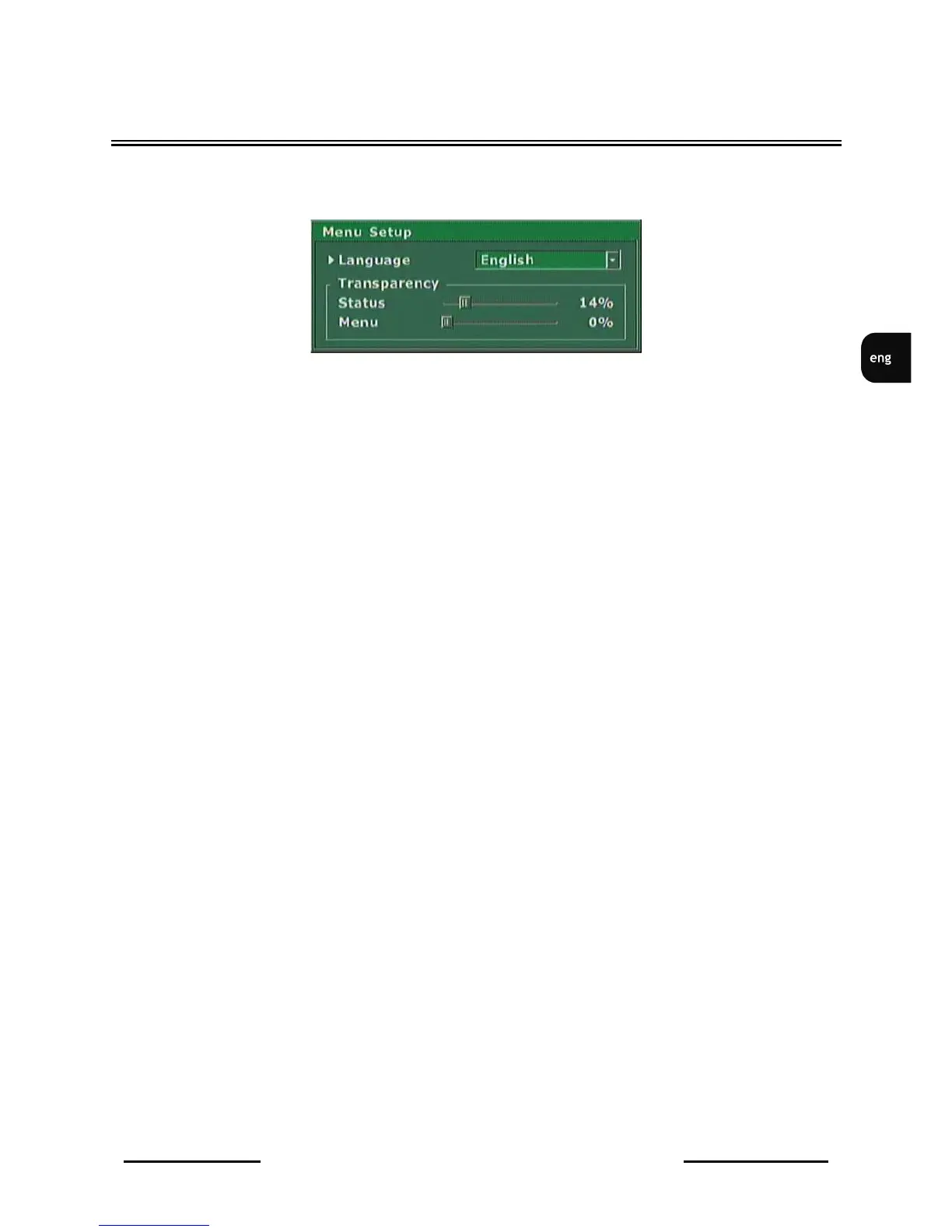
3.6 Menu Setup
Menu Setup
is used to define following settings:
•
Language
option is used to select one of the listed OSD (On Screen Display) menu languages.
•
Transparency
option is used to adjust the appearance of menu windows, channels descriptions , recording
modes etc.. Depending on this settings menu windows and other information will cover image
displayed from the cameras or will be displayed „transparently” in various degree. These settings
modifications are applied immediately.



 To Next Page