NV-DVR900 / NV-DVR1600 ver. 2.0 - User’s Manual
All rights reserved © NOVUS Security Sp. z o.o.
72
PTZ MODE
Set
Model
option to
Pelco-D
protocol
From
Control ID
option select camera address which needs to be controlled when specific Multiplexer
channel is accessed. By default the address conforms with the channel number of which settings are
currently being configured however it is possible to preset different address ranging from 1-255.
To confirm correct settings and connections function
Control Test
can be entered. Next twist the
SHUTTLE
handle in the clockwise/counter clockwise direction. If settings and connections are correct
the camera should start to turn. To exit PTZ control mode press
EXIT
.
Checking
Reverse Pan
i
Reverse Tilt
option will revert the camera PAN/TILT rotation direction
activated by
SHUTTLE
handle twist. In specific situations this function can make control more
intuitional.
Image settings
Name
i
Adjustment
are described in sub-chapter 3.1.2.
8.3 Camera controlling
As mentioned before camera control can be operated from 3 interface levels: Multiplexer front panel
buttons, IR Remote Control, or through computer connection (Internet Explorer web browser as well as
Multi Viewer software).
8.3.1 Controlling by means front panel buttons.
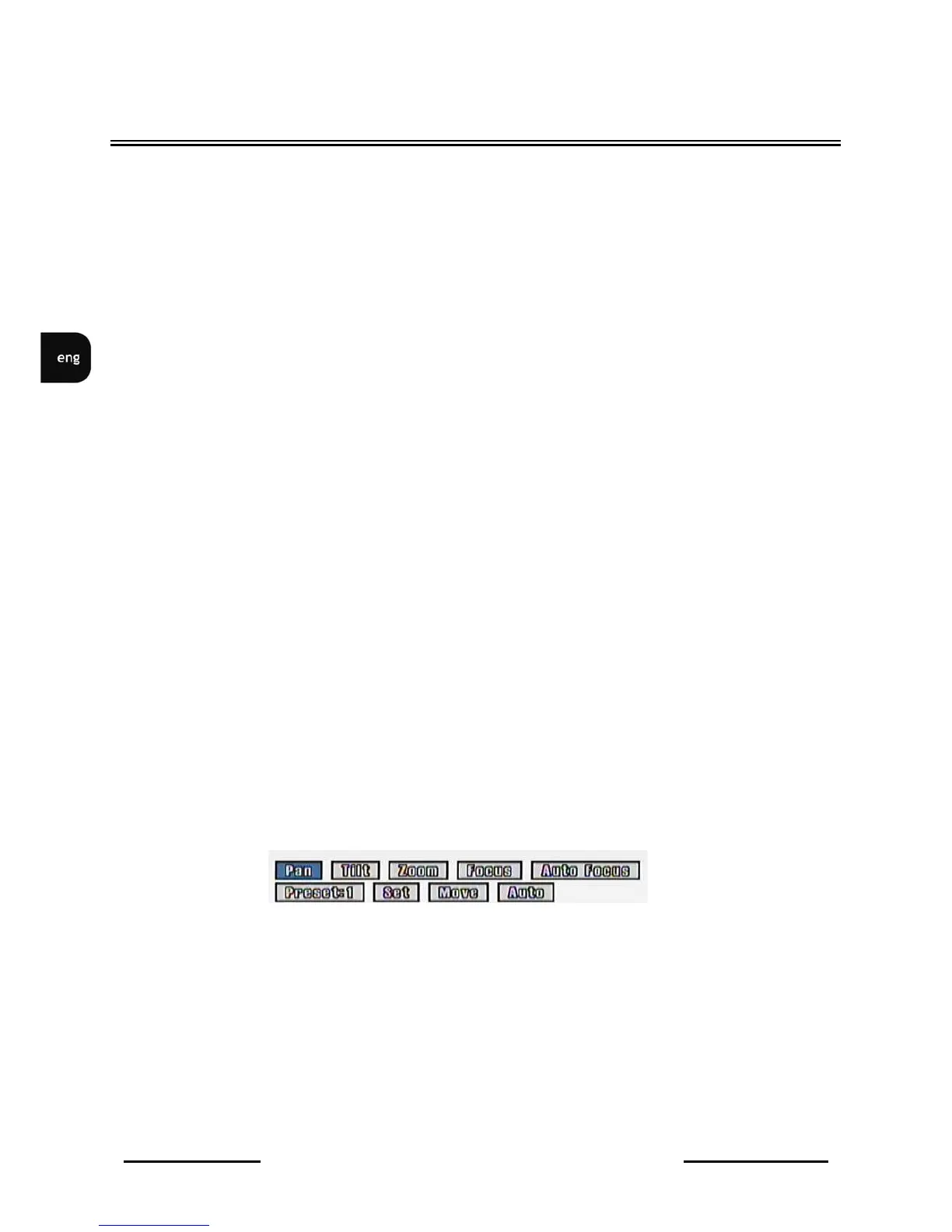
In order to control PTZ camera control menu should be activated. To access this menu sub-menu
Camera Setup / Camera Control
must be entered. Next using numeric buttons select camera which
needs to be controlled.
Moving through menu using
JOG



 To Next Page