EasyManua.ls Logo

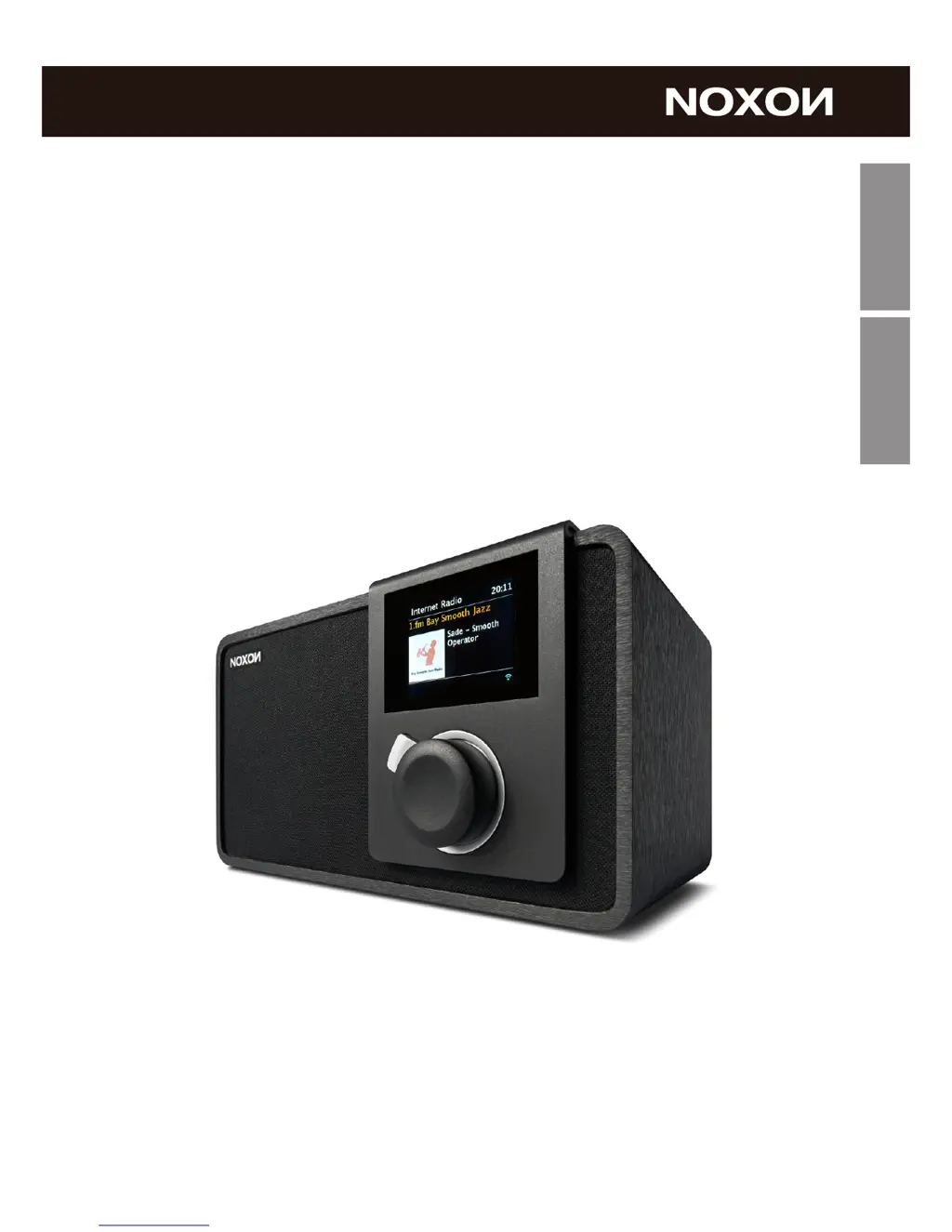
Noxon iRadio 410 - User Manual

Noxon iRadio 410
65 pages
Go to English
Print Icon
To Next Page IconTo Next Page
Loading...
Deutsch
Deutsch
English
DAB/ DAB+/ FM und Internet Radio
NOXON iRadio 410
Bedienungsanleitung / Manual
Version 1 -01/ 2014

Questions and Answers

  • R
    Richard JohnsonAug 16, 2025
    How to fix no network connection on Noxon Radio?
    • J
      Jonathon PearsonAug 16, 2025
      If your Noxon Radio can't establish a network connection, verify the LAN cable or WLAN function. Try manually setting an IP address on the device. Ensure DHCP is enabled on your router, then try connecting again. Also, check if a firewall is blocking access and configure it to allow the connection.
  • J
    Jeremy LynchAug 19, 2025
    What to do if WiFi connection cannot be established on Noxon iRadio 410?
    • R
      Ruth McknightAug 19, 2025
      If you're having trouble establishing a WiFi connection on your Noxon Radio, first, check if the WLAN network is available on your router. Try moving the device closer to the router. Ensure that you're entering the correct password. Also, check the availability of the LAN network on the access point and try reconnecting or replacing the LAN cable.
  • S
    Steve ChandlerAug 22, 2025
    How to fix no sound on Noxon Radio?
    • K
      kimberly05Aug 22, 2025
      If there is no sound from your Noxon Radio, make sure the sound isn't muted and increase the volume. Also, check if headphones or speakers are connected; if they are, disconnect them from the connector jack.
  • S
    Sean DiazAug 25, 2025
    What to do if Noxon Radio finds no stations?
    • R
      Roy FloresAug 25, 2025
      If your Noxon Radio isn't finding any stations, examine the network, access point, and firewall. The station might be temporarily unavailable, so try again later or select another station. The station's link may have changed, or the station might no longer be transmitting; contact the provider for details. If you manually added a station, ensure the link is correct and re-enter it.
  • W
    wyattlindaAug 28, 2025
    Why doesn't the alarm work on my Noxon Radio?
    • Q
      qallenAug 28, 2025
      If the alarm on your Noxon Radio isn't working: 1. Ensure the alarm is switched on. 2. Check the volume settings. 3. If the alarm source is set to a station, but there's no network connection, either change the alarm source or reconfigure the network connection.
  • H
    hgilmoreAug 30, 2025
    How to fix Noxon Radio if it does not switch on?
    • J
      Jeffrey GonzalezAug 31, 2025
      If your Noxon Radio doesn't switch on, check that the power adapter is properly connected.
  • A
    Abigail ShafferSep 2, 2025
    What to do if Noxon iRadio 410 Radio doesn't detect USB driver or MP3 player?
    • L
      Lorraine SalinasSep 3, 2025
      If your Noxon Radio isn't detecting the USB driver or MP3 player, check if they are plugged in properly. Some USB hard disks require an external power supply, so ensure it's connected. Note that not all MP3 players can be read directly by the device; try using a USB drive instead.
  • C
    carrielunaSep 6, 2025
    How to eliminate hiss in FM mode on Noxon iRadio 410?
    • E
      Elizabeth OrtizSep 6, 2025
      If you are experiencing hiss in FM mode on your Noxon Radio, try checking or moving the FM antenna. You can also try moving the radio itself to a different location.
  • D
    deleonmichaelSep 9, 2025
    What to do if NetRemote does not connect to Noxon Radio?
    • R
      Ralph HancockSep 9, 2025
      If NetRemote doesn't show or connect to your iRadio 410, reopen the app. If you're streaming from multiple devices simultaneously, it might cause a crash. Reboot the iRadio 410 and/or your device.
  • A
    Angelica RodriguezSep 12, 2025
    What to do for undetermined cases with Noxon iRadio 410?
    • T
      Tiffany KennedySep 12, 2025
      If you encounter any other issues with your iRadio 410, it may be due to processing a large amount of data over time, potentially causing the system to freeze or malfunction. Reboot the device if necessary. Strong electromagnetic interference may also disrupt the product's normal function; if this occurs, reset the product. If the function doesn't resume, try using the product in another location. The device should work properly again once the interference is gone.

Summary

Network Requirement

Safety Precautions

Device Appearance and Controls

Remote Controller Guide

Getting Started Guide

NOXON iRadio 410 Functions

Internet Radio Features

Accessing and managing thousands of internet radio stations and podcasts via v-tuner.

Media Player Functionality

Playing audio files from local network sources (MP3, WMA, WAV) via the media player.

DMR (DLNA Streaming)

Streaming music from PC, smartphone, or tablet using DLNA technology.

DAB Radio Reception

Receiving and managing DAB/DAB+ digital radio stations and information.

FM Radio Tuning

Tuning into and managing FM radio stations, including RDS information.

Troubleshooting Guide

Product Specifications

Noxon iRadio 410 Specifications

General IconGeneral
BrandNoxon
ModeliRadio 410
CategoryRadio
LanguageEnglish

Related product manuals