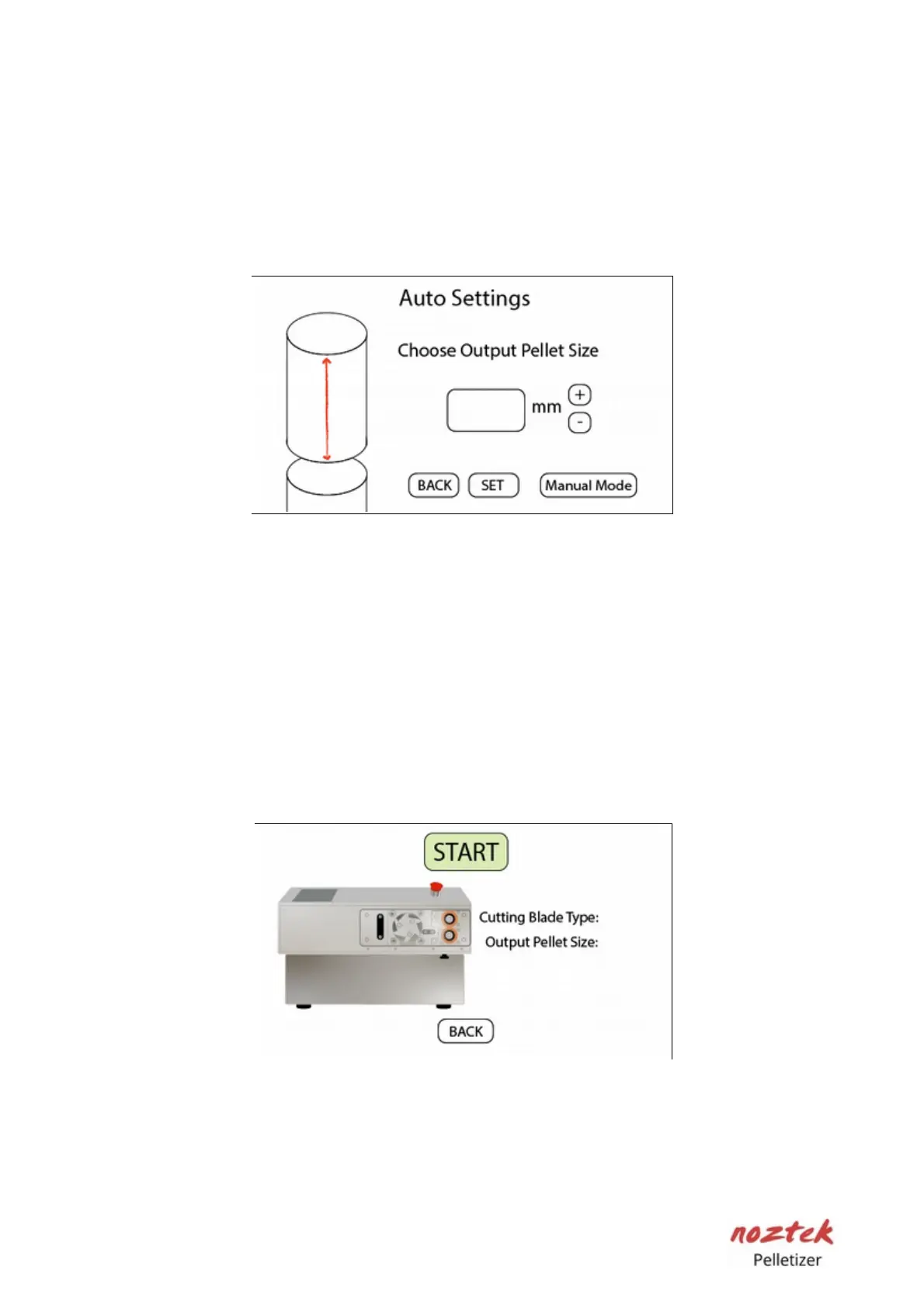
Pellet size setting
Select your preferred pellet size on this screen. The machine will calculate the
necessary speeds to achieve your desired result. Utilize the (+) and (-) buttons to
input your desired value. Press the SET button to save your setting and proceed
to the next page.
Auto ready
Please review your settings before proceeding. Once satisfied, press "Start" to
activate the machine. However, before doing so, please read page 16 for
instructions on how to load filament into the machine. If you are not satisfied
with the settings, press the "Back" button to adjust them.
12



 To Next Page