Maintenance: cleaning
Important Note:
Always ensure the machine is turned off and unplugged before
commencing any maintenance operations. Failure to do so could result in
serious damage to the machine or risk of injury.
Avoid using any liquid cleaning agents to clean the inside of the assembly.
How to clean:
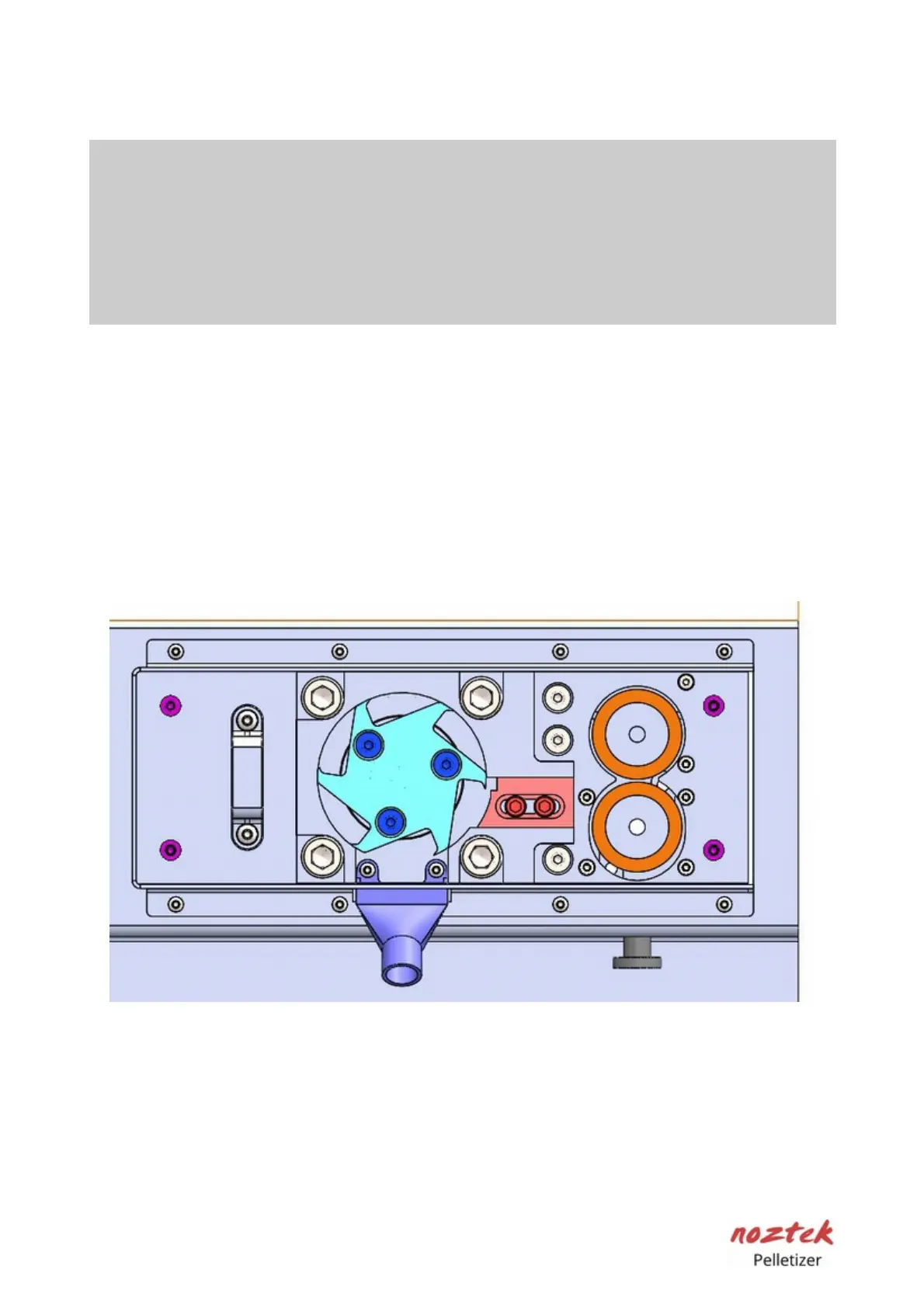
To clean the inside of the (1) Pelletizer blade assembly, you must remove the
protection screen. Please follow step 1 and step 2 of the blade replacement
maintenance page. We recommend using a soft brush to clear and loosen any
debris and dust from the area. Afterward, you can use either a vacuum cleaner or
compressed air to remove all remaining particles.
(1) Pelletizer blade assembly
21



 To Next Page