Auto mode operation
Mode selection
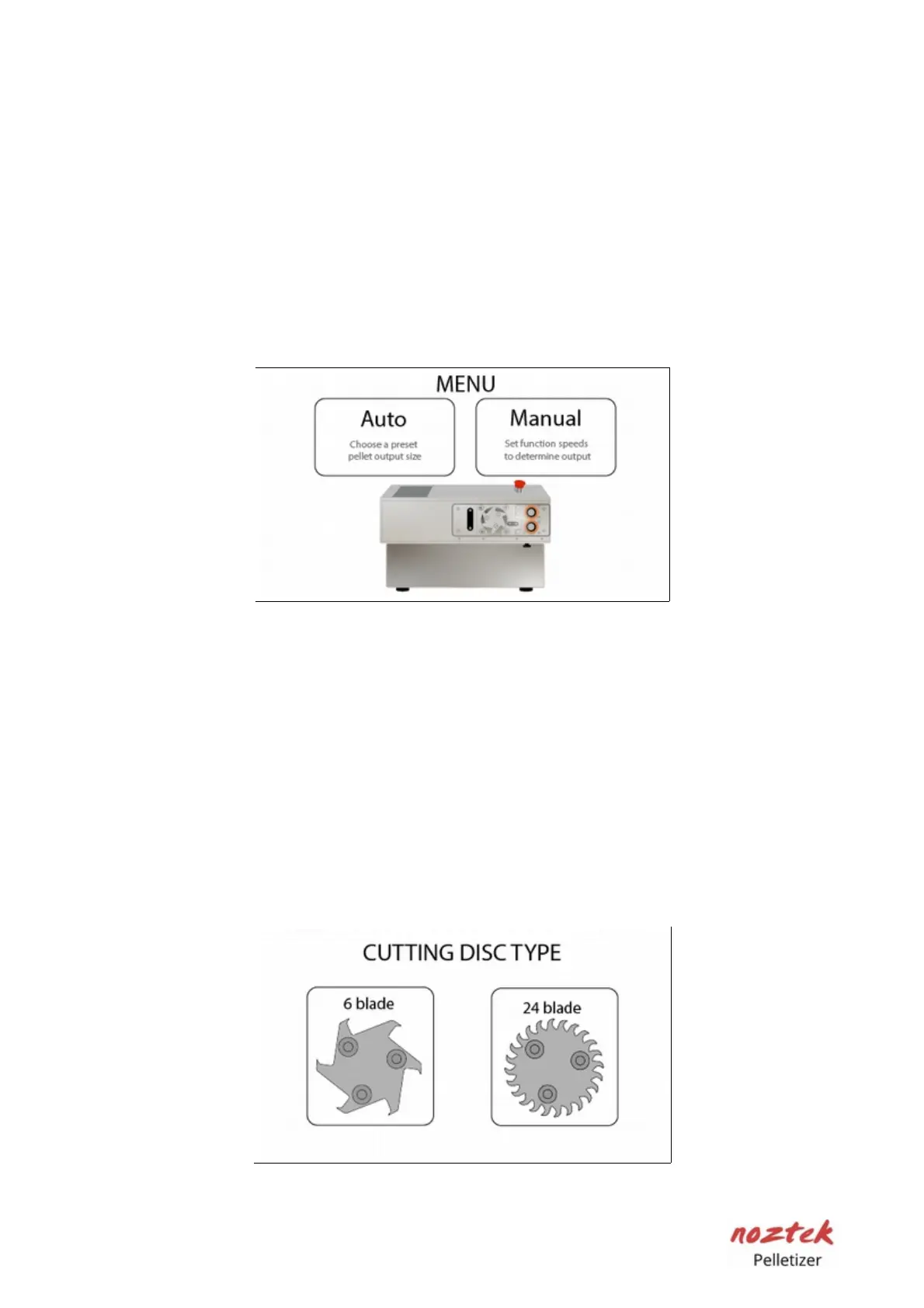
On the first initial screen press the "Auto" button to go into "Auto" mode.
The pre-sets in this mode only work for a filament diameter of 1.75mm. For
diameters higher than 1.75 mm we would recommend using the manual mode
for greater control over the output. Auto mode is designed for use with pre-
extruded filament for example directly from a spool. It is not recommended to
use Auto mode when you feed in filament directly from a live extruder as the pre-
set speeds are unlikely to match your extruding speed.
Blade type
Select the blade that is installed on the pelletizer (6 or 24 edges).
Keep the following information in mind regarding pellet length:
- 6 Edge blade: Length-per-pellet range is from 0.3 mm minimum to
a maximum of 10 mm
- 24 Edge blade: Length per pellet range is from 0.3 mm minimum to
a maximum 5mm
11



 To Next Page