Manual mode operation
Mode selection
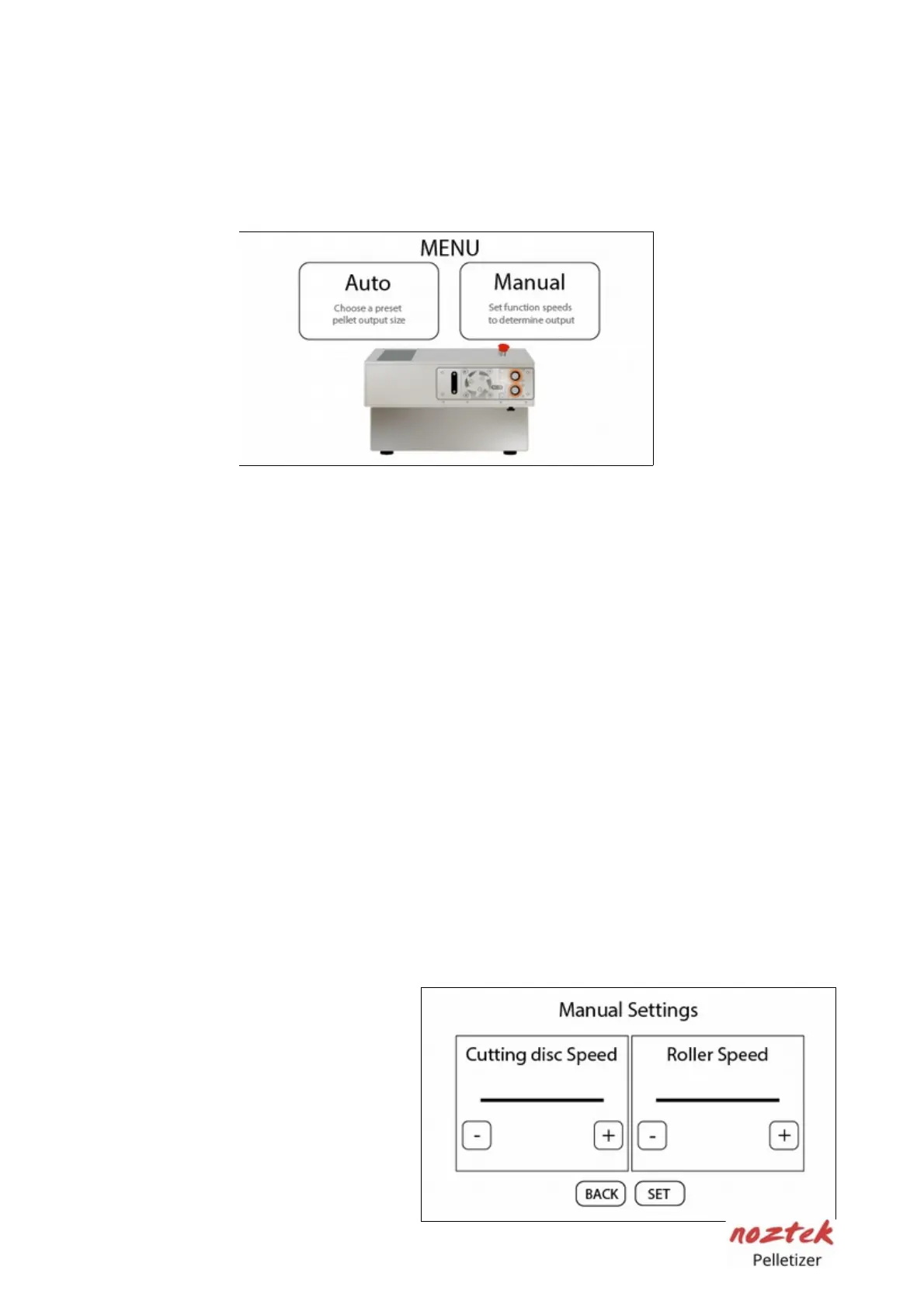
On the first initial screen press the "Manual" button to go into "Manual" mode.
Manual speed settings
In this mode you have full manual control the cutter speed and the roller speed.
- Cutter speed values are from 0 Min to 60 Max.
The cutter speed controls how fast the blade rotates.
- Roller speed values are from 0 Min to 255 Max.
The roller speed controls how fast the filament feeds into the cutting blade.
The higher the value the faster it feeds.
Experimentation with the settings is necessary to achieve your desired output
size and speed. It is recommended to start at a lower speed and gradually
increase it until you attain the desired result.
Diameter input range is from 0.5 mm min to 3 mm max.
- 6 Edge blade: Length-per-pellet range is from 0.3 mm minimum to a maximum
of 10 mm.
- 24 Edge blade: Length per pellet range is from 0.3 mm minimum to a maximum
4 mm.
(For input diameter larger than 1.75mm it is recommended not to exceed 4 mm
length.)
Press the "+" and "–" buttons to
adjust your target value accordingly.
Press "Set" to save the value and
proceed to the next page. Press
"Back" to return to the home screen
14



 To Next Page