4 Main menu
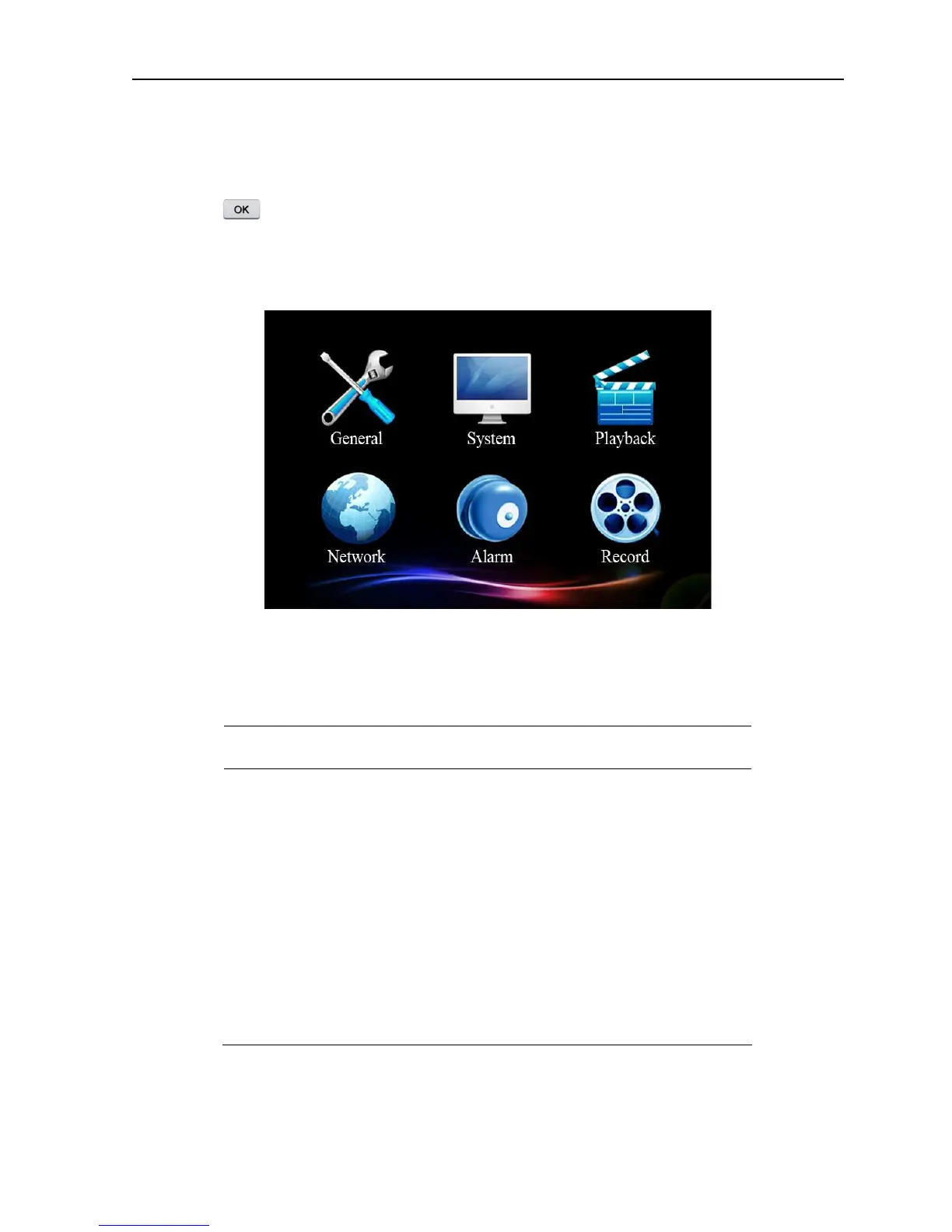
Press button , the system main menu is shown as below. You can operate and set each function
in this menu.
Picture 4.1 Main menu interface
4.1 Main menu navigation
Main menu
Function Overview
General Set the basic parameters of the system
System
Update and maintain system and show related information
of the system
Play Search and play video files
Network Set the basic parameters of the network
Alarm Set the basic parameters of the alarm
Record Set different record modes



 To Next Page